

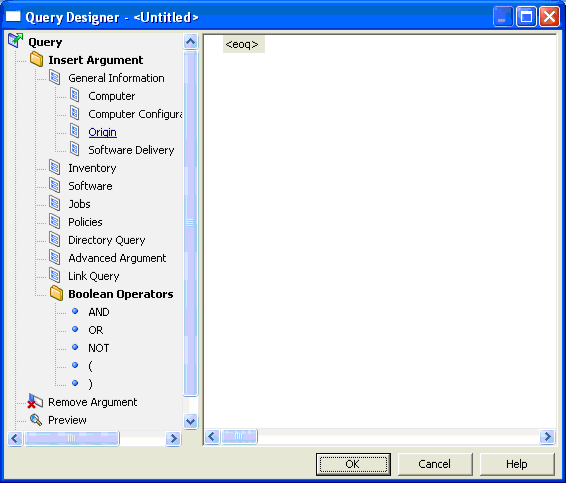
The Query Designer dialog lets you query the origin and trust level of an asset.
Clicking Origin opens the Select Field dialog where you specify the origin and trust level parameters for querying.
Note: You cannot create queries with User Trust Level and Origin in this release.
The following illustration shows the Origin category under Insert Argument, General Information.
|
Copyright © 2013 CA.
All rights reserved.
|
|