

You can use a command line to submit a Data Importer data import for processing instead of using the CA APM user interface. You can execute the command line from the Import Processor folder on the application server where the product is installed. You can also copy the Import Processor folder to another computer. The users of that computer can then execute the command line, also.
The data import is submitted immediately and is executed by the Data Importer Engine with other import jobs from the CA APM user interface. You cannot schedule a data import to execute at a particular time using the command line. However, you can use a scheduler (such as the operating system scheduler) to specify dates and times to run the data import.
The following diagram illustrates how a system administrator submits a data import using the command line:
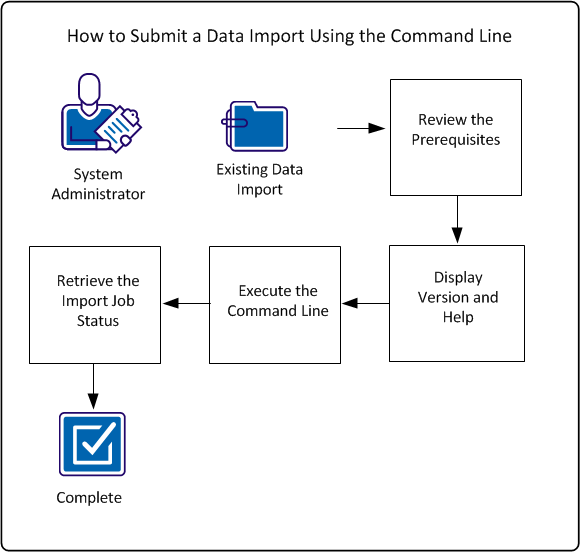
To submit a data import using the command line, perform these steps:
Example: Import New Hardware Devices
Sam, the CA APM system administrator at Document Management Company, has an existing data import that adds new hardware devices to the data repository. Sam wants to execute that data import daily. Sam also wants to verify the status of the submitted import job. However, he does not want to log in to the product to perform the import because he does not always perform other product functions on a daily basis. Sam uses the command line to submit the data import and then verify the status.
|
Copyright © 2013 CA.
All rights reserved.
|
|