

The files that you use while working with the product are stored on the CA APM application server where the Storage Manager Service is installed. These files include attachment files and Data Importer source data files and legacy map files.
When you delete an attachment, you delete only the reference to the attachment in the object record. If the deleted attachment is a file, the file remains in the file system on the CA APM application server. In similar fashion, when you delete an import that uses a specific data file, you do not delete the data file from the CA APM server.
If a specific attachment file, import data file, or legacy map file is no longer needed, you can delete the file from the CA APM server. Before you delete the file, verify that the file does not have any associations.
The following diagram illustrates how a system administrator deletes unused files from the CA APM application server.
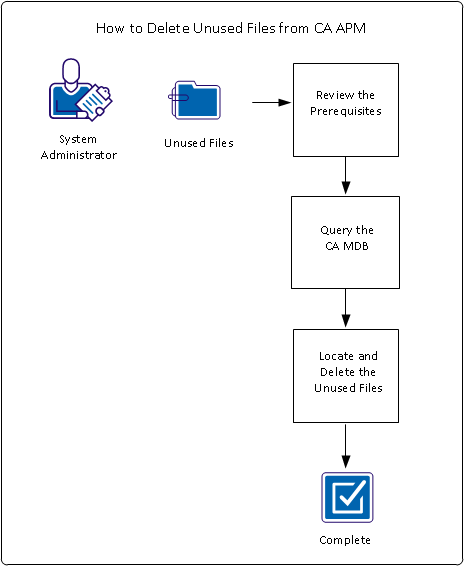
To delete unused files, perform these steps:
|
Copyright © 2013 CA.
All rights reserved.
|
|