

|
|
|
The Command Console Results pane displays the results of executing scripts.
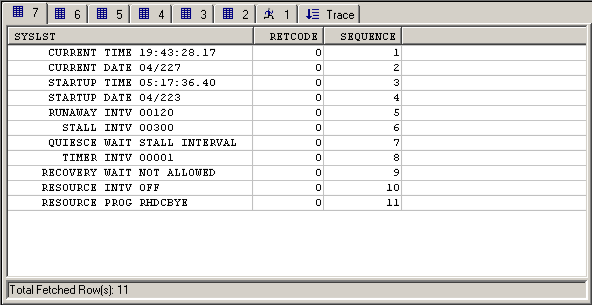
It includes numbered tabs that display the execution results in sequential order, with the highest number representing the most recently executed command. Click a tab to review the results that it represents. The number of tabs that are displayed in the Results pane is based on the value that you define in the Preferences dialog.
Note: For more information, see Set Command Console Preferences.

The Results pane also includes a trace window. The Trace tab maintains a trace of the execute commands.
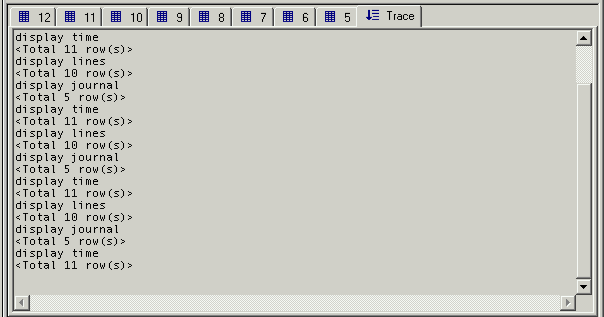
You can toggle the display of the Trace tab on and off by clicking the Trace button  on the Command Console toolbar or by selecting and deselecting the Trace window command on the Script menu.
| Copyright © 2011 CA. All rights reserved. | Tell Technical Publications how we can improve this information |