

|
|
|
To connect to more than one CA IDMS system, simply select the node from the Node window and click the Connect button  .
.
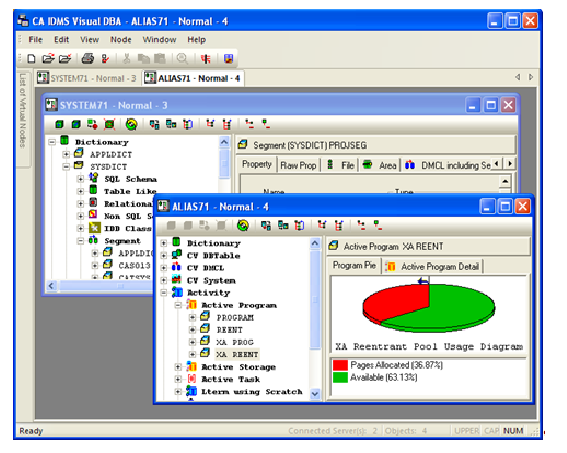
Another Database Object Manager window opens, which displays the object tree data for the CA IDMS system to which you just connected. Using the options on the Windows menu, you can display the open windows in a tiled or cascaded array. Note that the status bar shows how many servers you are connected to.
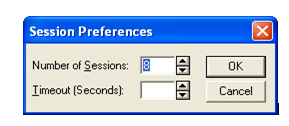
When you connect to multiple CA IDMS Visual DBA sessions, you can use the Sessions option in the File Preferences command to limit the number of sessions you can run at one time.
| Copyright © 2011 CA. All rights reserved. | Tell Technical Publications how we can improve this information |