

|
|
|
The following examples illustrate different types of tabs.
In the following example, statistical information is displayed in bar chart format for Statistics Segment. Note that the information is color coded.
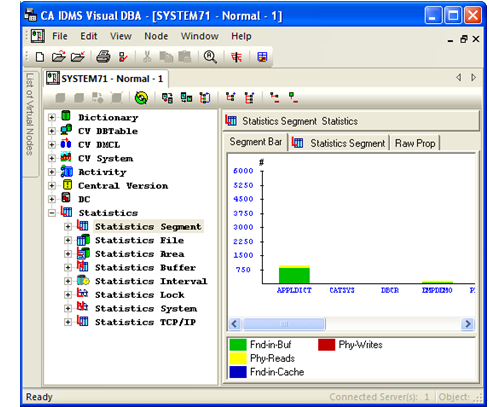
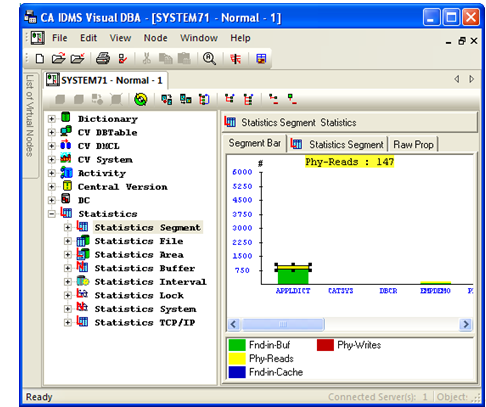
When you click a portion of the bar, the actual statistics for that segment display. In the following example, we click the yellow portion of the bar for APPLDICT. The actual number of physical reads (Phy-Reads) displays at the top of the pane. When you select any of the names shown along the X-axis, all the statistics for the selected name are displayed.
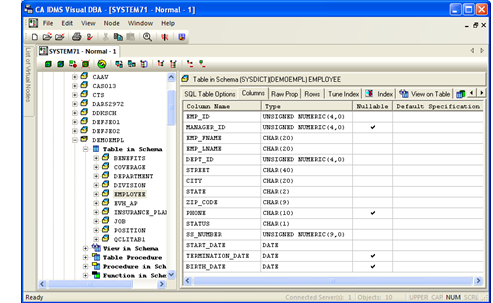
In the following example, the columns for table DEMOEMPL.EMPLOYEE are shown in the Columns tab.
In the following example, grantee information is displayed for the Table in Schema DEMOEMPL. Note that the table includes a column for each privilege type and a row for each User ID.
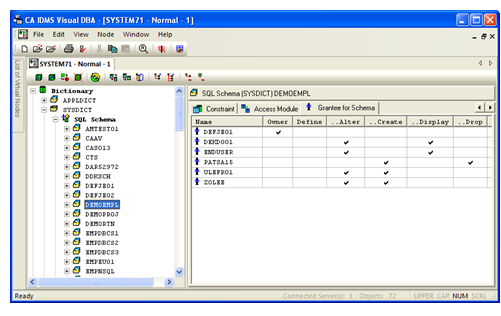
By clicking on the column header, you can sort the data by that column information. When you double-click the Access column, the rows are sorted in order of User ID with that privilege.
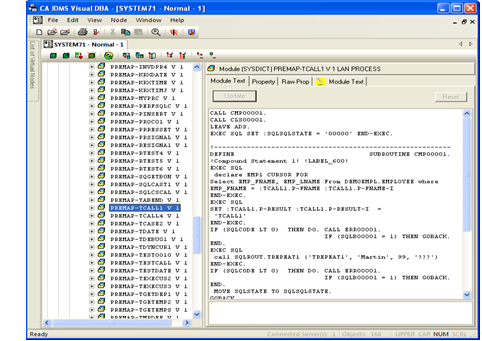
In the following example, the content of dictionary module SYSDICT.PREMAP-TIF1 Version 1 is shown in the Module Text tab.
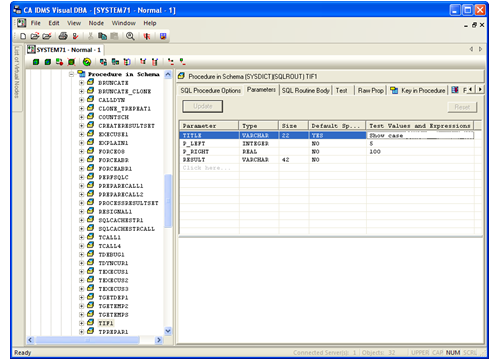
In the following example, the parameters for the procedure SQLROUT.TIF1 are shown in the Parameters tab.
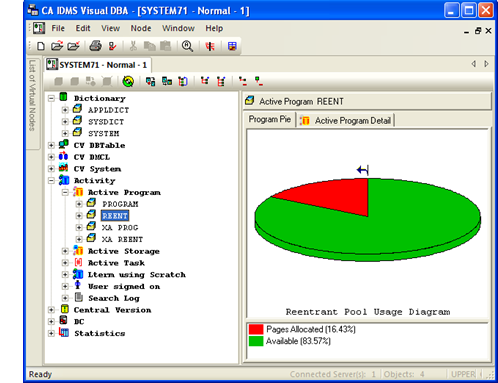
In the following example, Reentrant Pool usage is displayed in pie chart format.
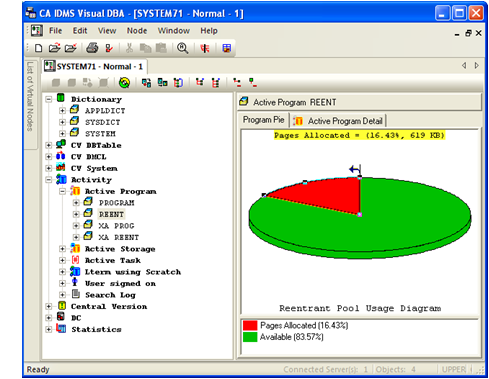
When you click a pie segment, the actual usage statistic is displayed, as shown:
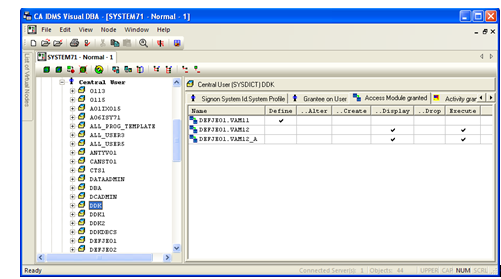
In the following example, Privilege information is displayed for Central User DDK. Each tab represents a different privilege type. Within each tab, a row appears for each user ID with the selected privilege type. You can sort the column by double-clicking the column header.
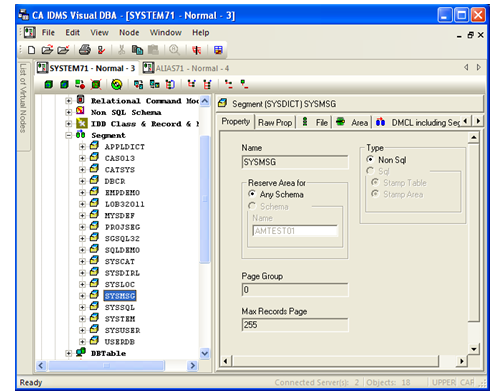
In the following example, Property tab information is displayed for the SYSDICT Segment, EMPDEMO. Note that the caption in the right pane repeats the identification information of the object and its icon. Following the caption, a series of labeled tabs provides different types of attribute information.
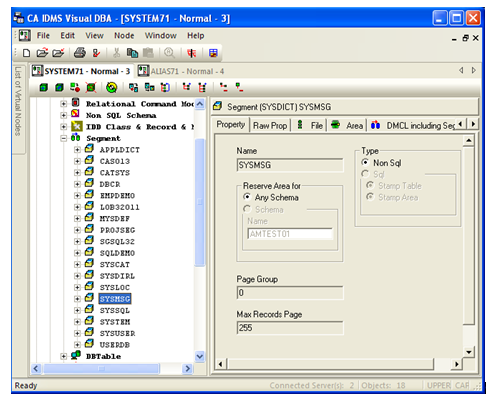
As illustrated in the next example, we can display Property information for another instance of the Segment object class by simply selecting that object from the tree. The tab selection is retained, enabling you to easily make comparisons between object classes and instances.
In the following example, Raw Prop information is displayed for the DBNAM01 instance of the Object Class DBName including Segment.
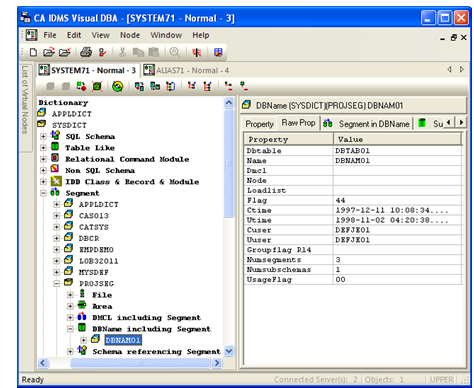
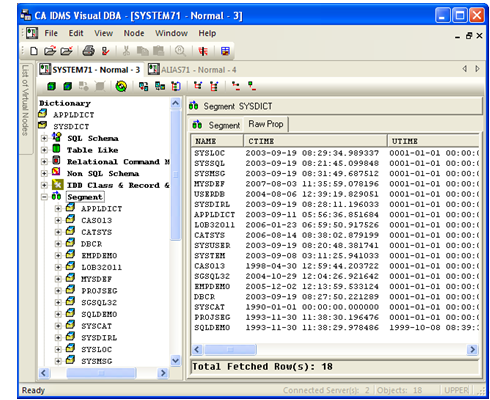
When you select an Object Class or static object, a table is displayed with a column for each attribute and a row for each object instance.
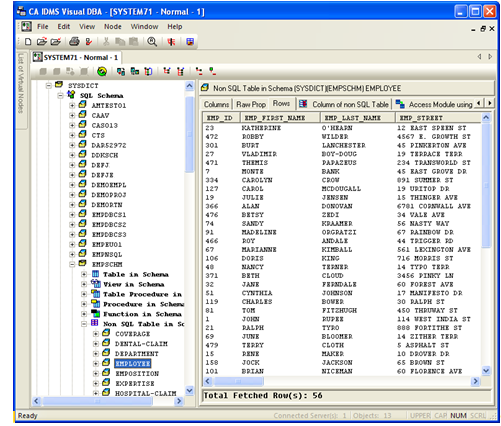
In the following example, row information is displayed for EMPSCHM.EMPLOYEE, an instance of a Table Like object in the Non-SQL Table in Schema Object Class.
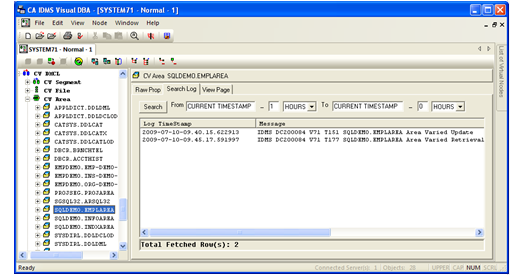
In the following example, information in the CA IDMS log related to the CV Area SQLDEMO.EMPLAREA has been retrieved.
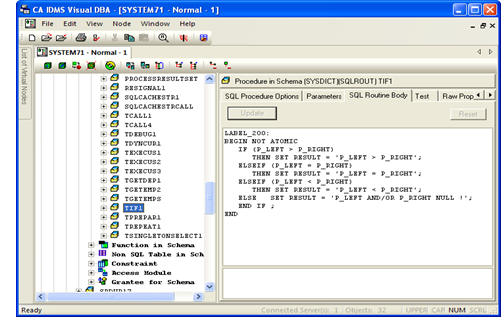
In the following example, the SQL routine body for the procedure SQLROUT.TIF1 is shown in the SQL Routine Body tab.
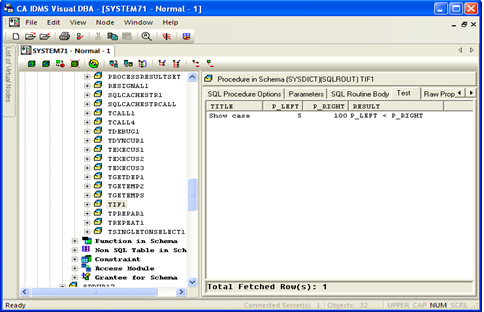
In the following example, the result of executing SQL procedure SQLROUT.TIF1 is shown in the Test tab.
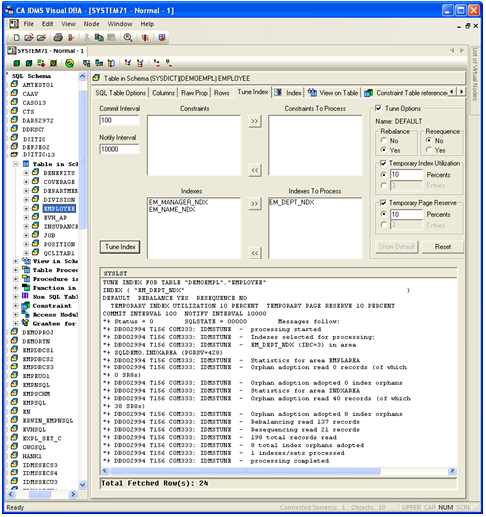
In the following example, the Tune Index utility has been run on the index of the EMPLOYEE Table in Schema.
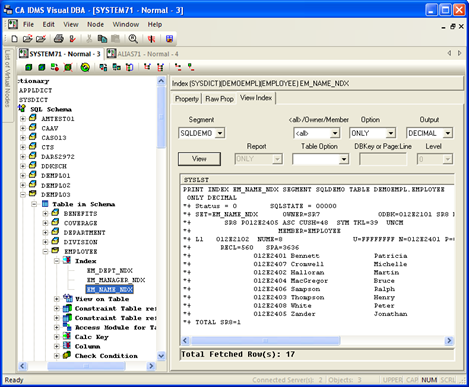
In the following example, index information is displayed for the EM_NAME_NDX index of the Table in Schema EMPLOYEE.
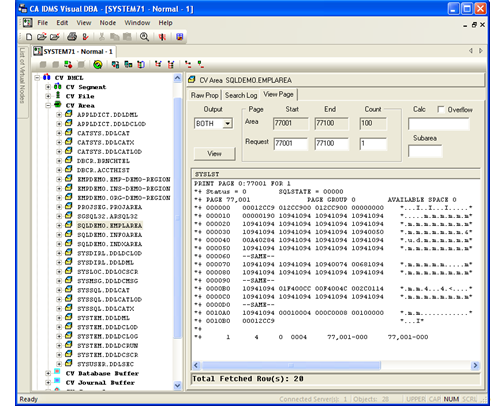
In the following example, database page information is displayed for the CV Area SQLDEMO.EMPLAREA.
| Copyright © 2011 CA. All rights reserved. | Tell Technical Publications how we can improve this information |