

In this chapter This chapter shows you how to save your current report. Saved reports differ from other CA OLQ functions in that they:
Once you have saved a report, you cannot change it by:
However, you can change it by modifying how columns or rows are displayed.
Report retention period
When you save your report, you specify how long you want to keep the report available online. The Saved Report screen has a Retention period field, in which you can specify how many days you want to keep the report file.
Creating a Saved Report:
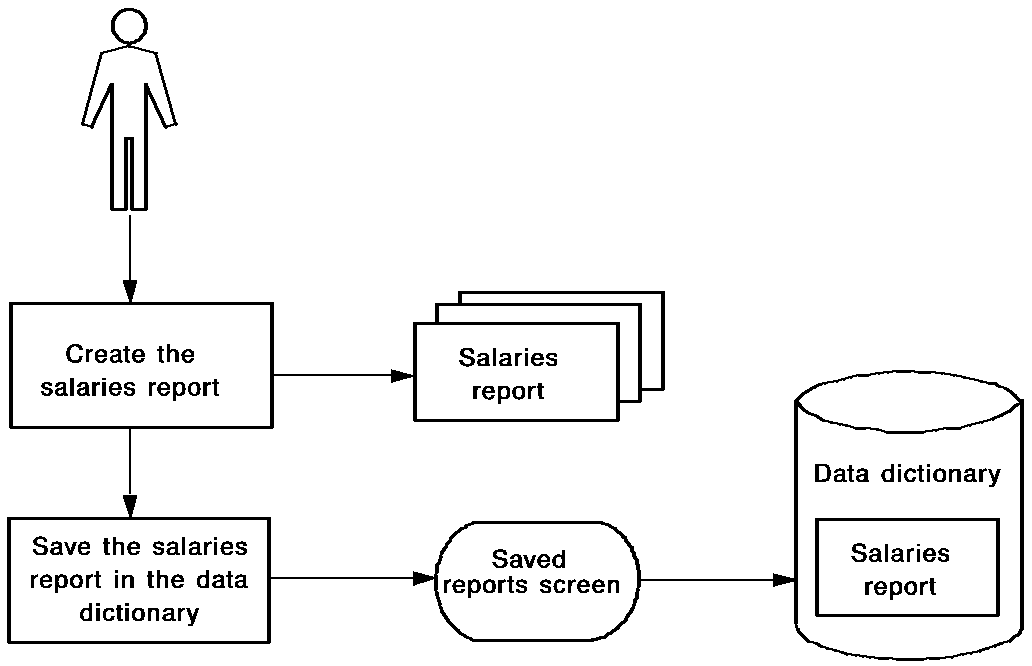
Saved reports are contrasted with other CA OLQ functions in the following table.
|
What You Want To Do |
Which CA OLQ Function To Use |
Formatting Retained? |
Calculations Reexecuted? |
|---|---|---|---|
|
Save the set of commands used to build a report |
Qfile The report created by a qfile reflects the data that is in the database when the qfile is executed. The contents of the report change as the data changes. |
Retained |
Reexecuted each time the report is built |
|
Save a copy of a report for later use |
Saved report The report reflects the data as it was when the report was executed. The data doesn't change. |
Retained |
Executed at report definition |
|
Create a table from your report |
Saved table The table can later be used to create other reports, or can be joined with other tables |
Not retained |
Retained as they are computed when the table is saved |
This section contains the following topics:
|
Copyright © 2013 CA.
All rights reserved.
|
|