

Most CA IDMS customer databases have been in production for many years. Some have started to approach the limit for the maximum number of pages available to the database and need more database space. Perhaps business needs have changed since the database was initially set up, and the current structure is too limiting. Perhaps your company's data retention practices require storing records indefinitely. Any number of circumstances can impact your ability to create and retain new records.
This scenario describes how to expand the size of a CA IDMS database using the multiple page group index set (MPGI) enhancement to the multiple page group feature. This feature allows index sets to cross between areas that are defined in different segments using different page groups. The employee demo database that is provided by CA Technologies is used as the example in this document.
The following diagram shows the steps to follow to expand the size of the employee demo database:
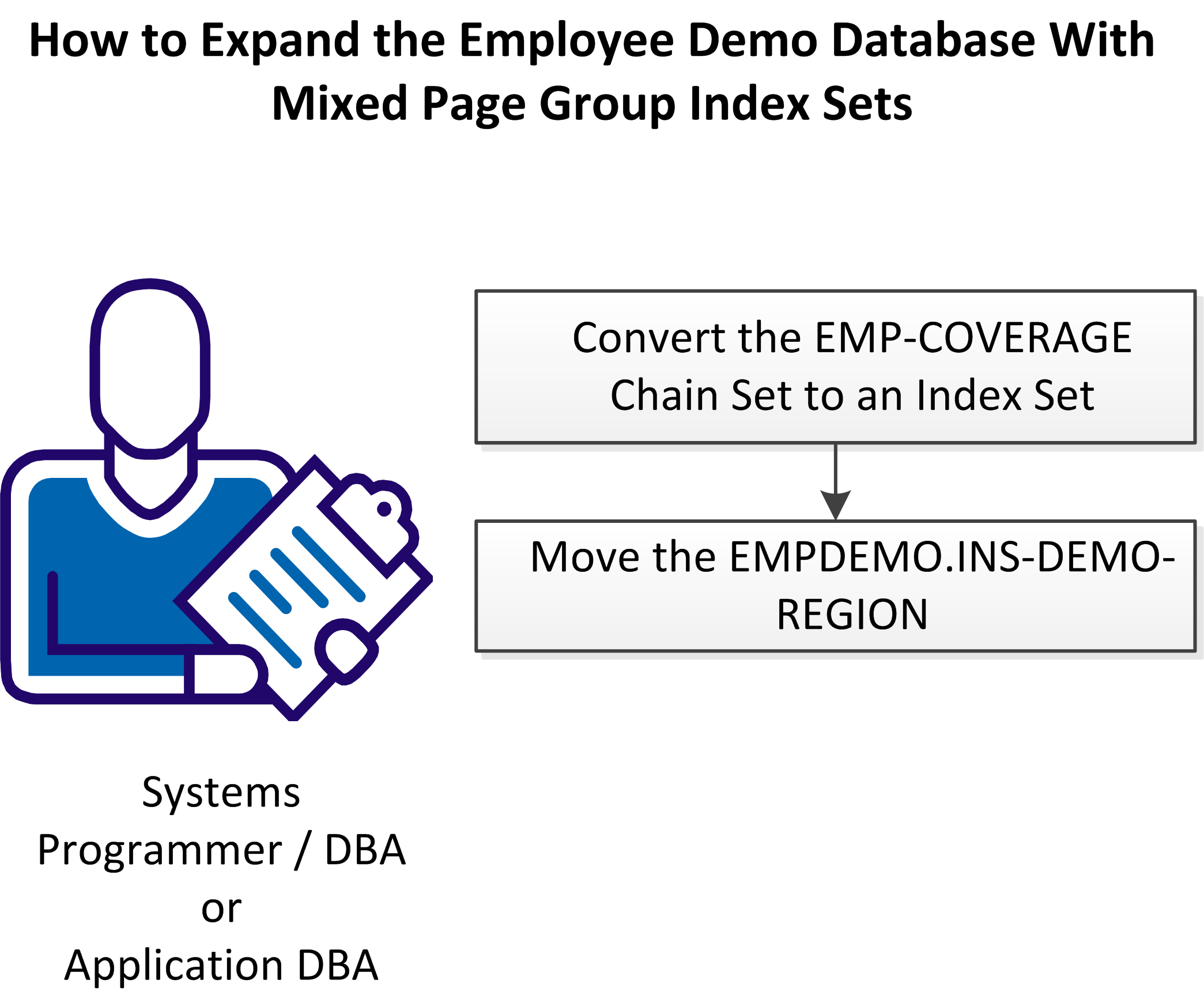
Follow these steps:
The following diagram shows how these steps relate to the employee demo database in detail:
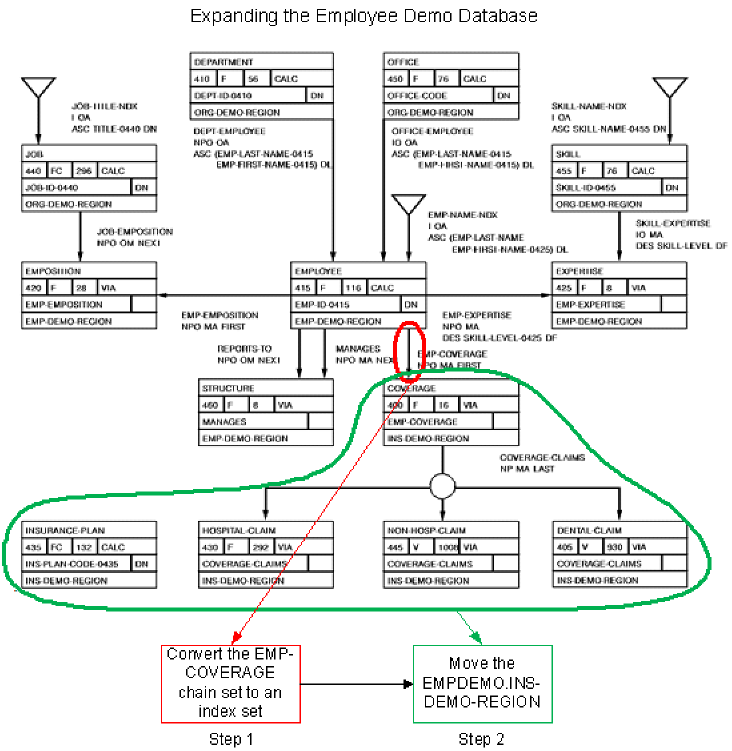
|
Copyright © 2013 CA.
All rights reserved.
|
|