

On the International tab, under ASCII-EBCDIC Conversion, select Custom.
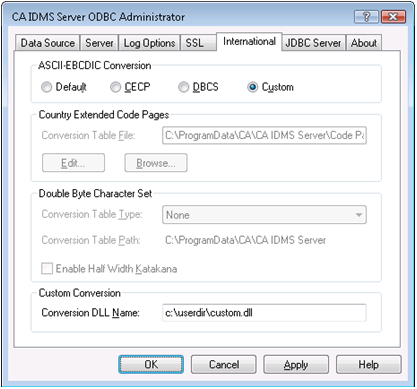
Under Custom Conversion, in the Conversion DLL Name field, specify the name of the Custom Conversion DLL. Include the path if the DLL is not in a directory that is searched automatically by Windows, such as the SYSTEM32 subdirectory or a directory specified in the PATH.
|
Copyright © 2009 CA.
All rights reserved.
|
|