

CA IDMS Server writes messages for some types of errors to a log file. Specify the name and directory of this log file using the Log Options tab. You can also use this tab to override default log file specification and options, or to enable tracing of JDBC, ODBC, SQL, and internal function calls.
If you are using UAC on Windows Vista, you do not have the authority to update Logging and Trace parameters without signing on as an administrator. Alternately, you can remain signed on as a standard user, but right-click the ODBC Administrator executable and select Run as Administrator.
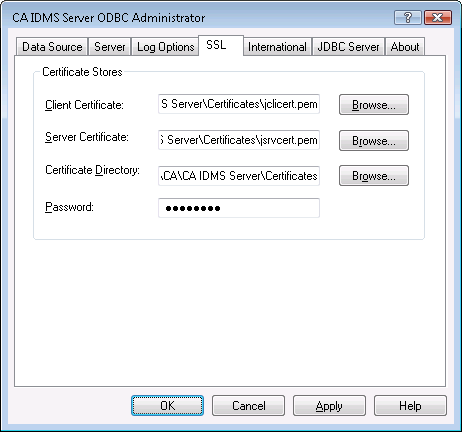
Log options affect all data sources. For example, if you specify a log file name, all trace entries are written to the specified file. You cannot specify different log options for different data sources. A detailed description of each option follows:
|
Copyright © 2009 CA.
All rights reserved.
|
|