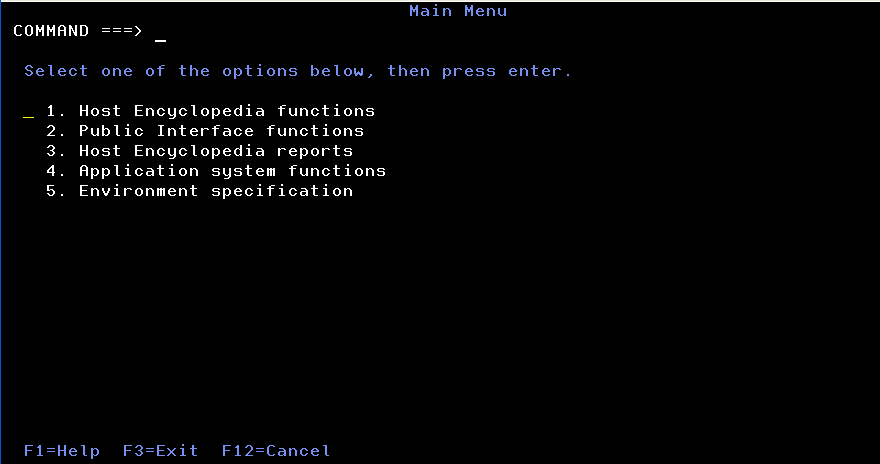
- On the CA Gen Main Menu on the SOURCE host encyclopedia, select option 1 for Host Encyclopedia functions.
The Host Encyclopedia Functions menu displays.
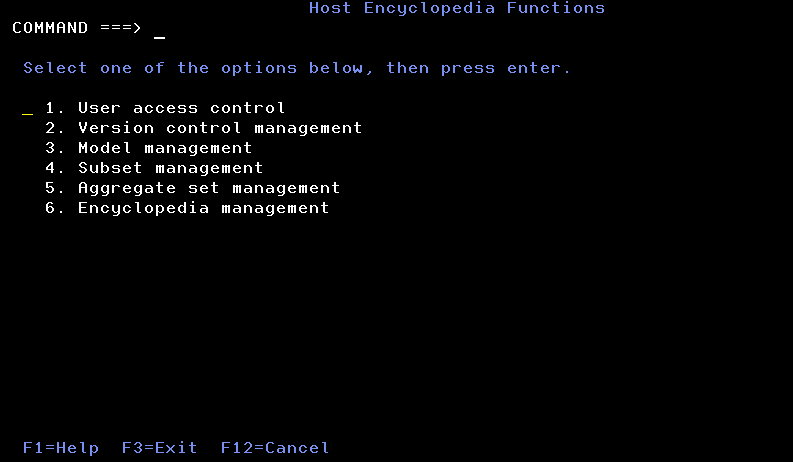
- Select option 3 for Model Management.
The Model Management screen displays:
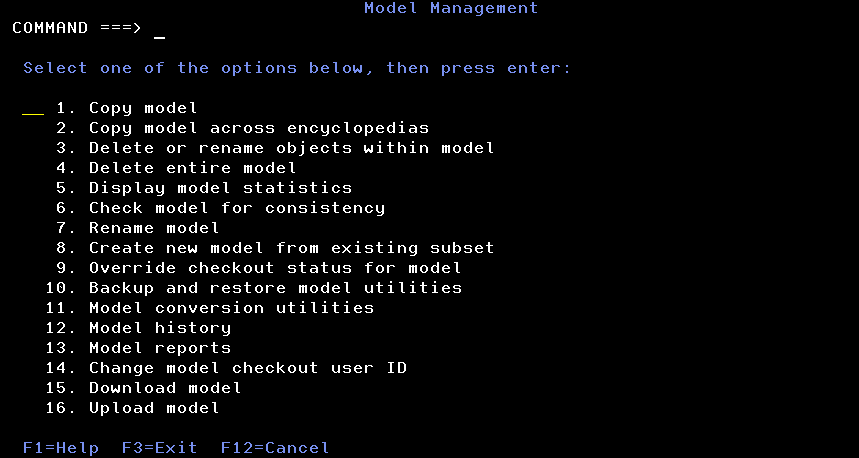
- Select option 15. Download model, to display the Download Model screen.
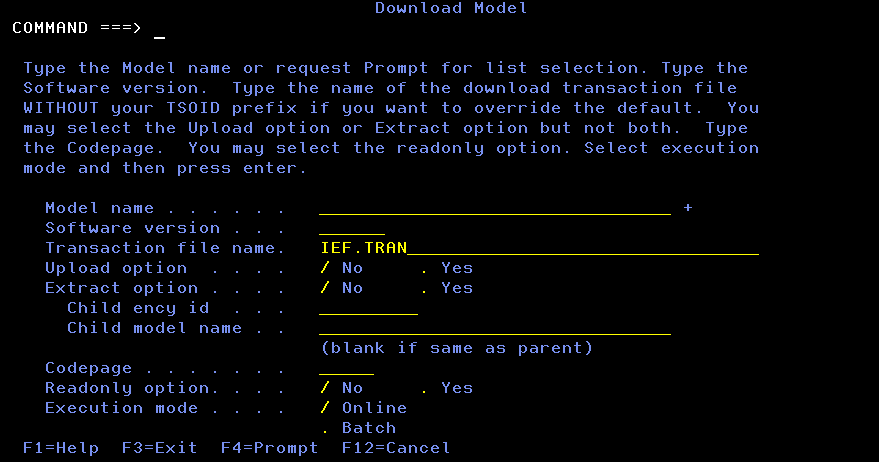
- Enter the name of the model to copy to another encyclopedia.
- Select Yes for the upload option.
- Specify the appropriate code page for your DB2 system.
This function creates records in your IEF.TRAN file, in a format suitable to upload to the target encyclopedia.
- Display the CA Gen Main Menu on the TARGET host encyclopedia.
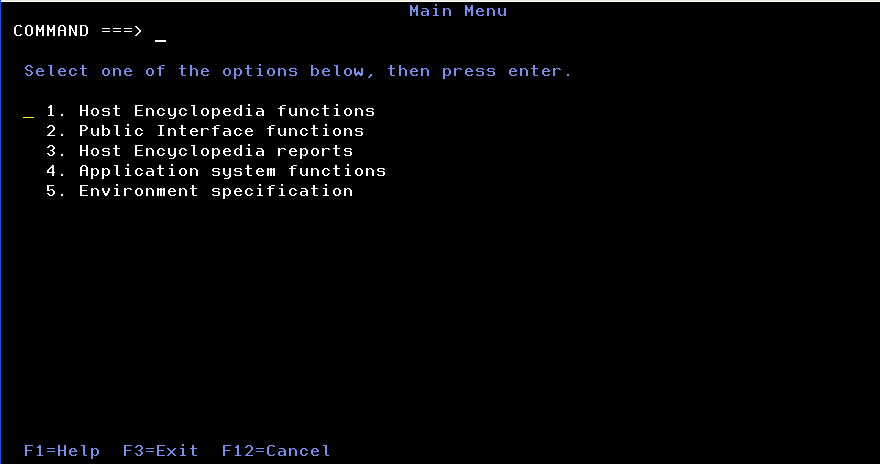
- Select option 1. Host Encyclopedia functions.
The Host Encyclopedia Functions menu displays.
- Select option 3. Model Management.
The Model Management menu displays.
- Select option 16. Upload Model.
The Upload Model/Subset screen displays.
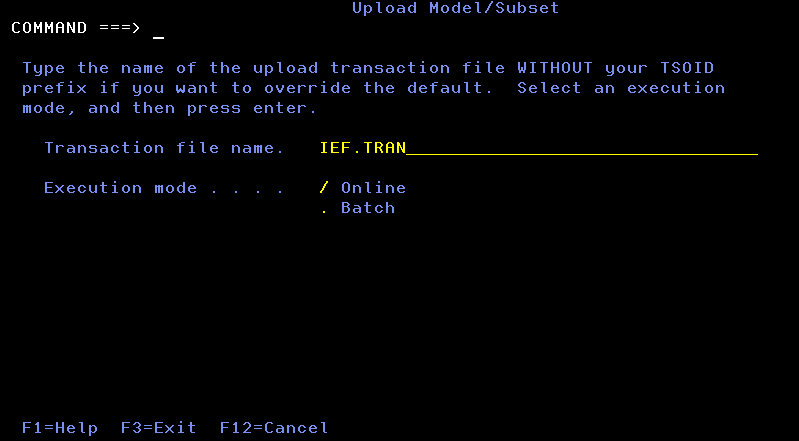
- Press Enter to create the new model in the TARGET host encyclopedia.

