

Follow these steps:
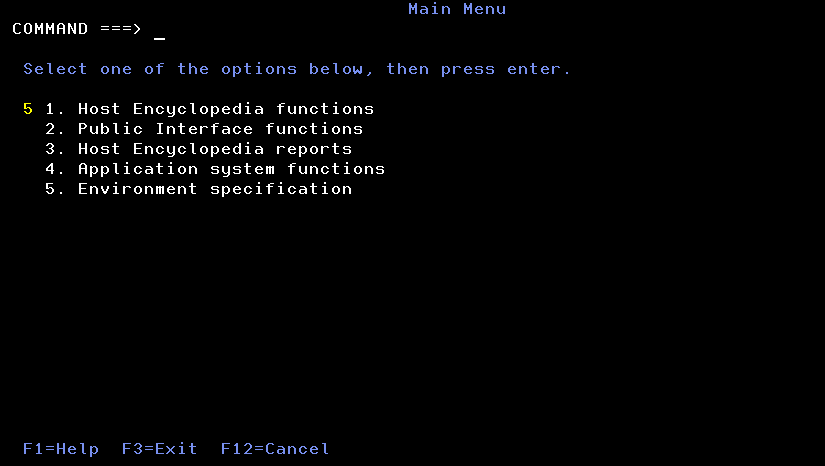
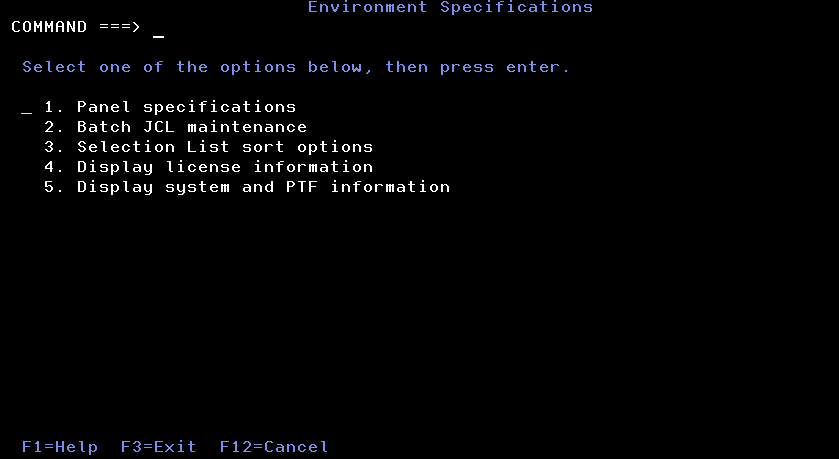
The Environment Specification screen displays.
The following example illustrates the license status at a site using the Host Encyclopedia and Host Construction, with the target generation environment CICS.
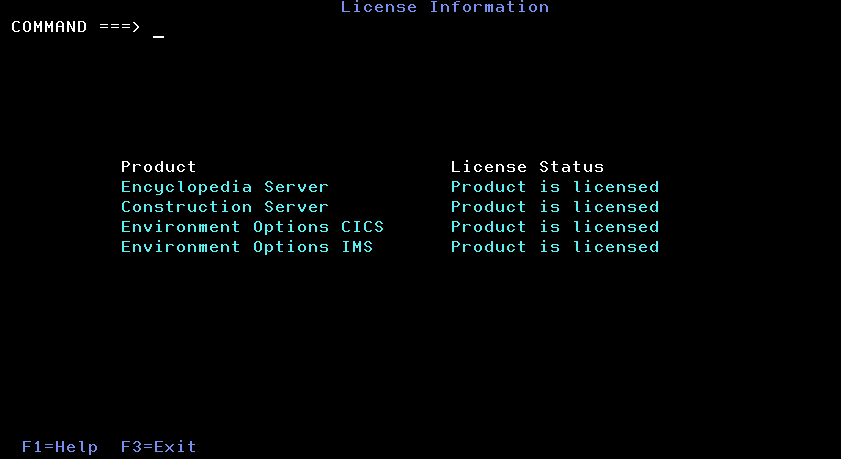
Note: If a licensed product does not show as licensed, contact the CA Total License Care group. Their information is posted on the CA website under CA Support Resources.
|
Copyright © 2015 CA Technologies.
All rights reserved.
|
|