

Use the Installation Tool Utilities Menu to perform the functions associated with loading scripts.
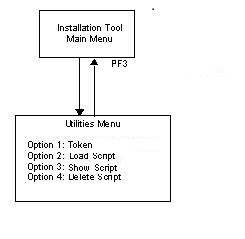
Displays the tokens in the scripts.
Loads the scripts included with the IT.
Displays the contents of the scripts after they are loaded.
Removes the script.
Press F12 to return to the Access Utilities menu.
|
Copyright © 2015 CA Technologies.
All rights reserved.
|
|