

You can set the following preferences in CA Gen Studio:
Follow these steps:
The Preferences window opens.
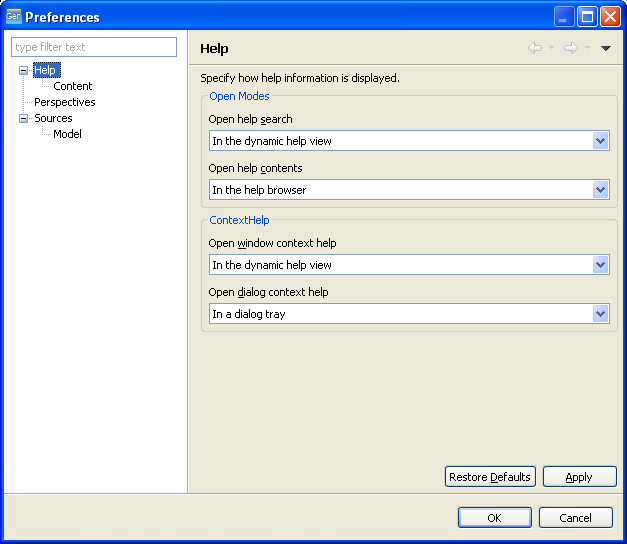
CA Gen Studio saves the changes and closes the Preferences window.
Note: You can restore the default configuration settings anytime in the Preferences window. To restore the default settings, click Restore Defaults and then click Apply.
|
Copyright © 2015 CA Technologies.
All rights reserved.
|
|