

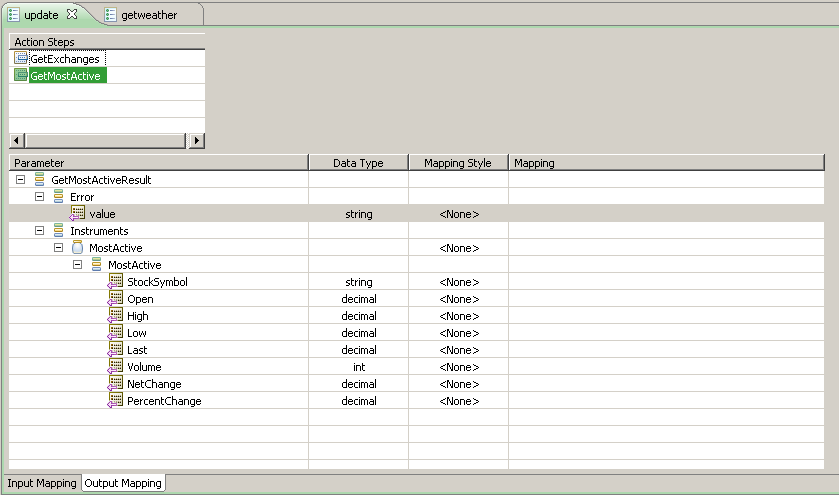
The Editor opens multipage editors for the Actions in the Web Service Access Navigator view. You can display more than one editor in the Editor view, and each Action opens in a separate editor. The Editor view also displays parameters and mapping information of the Web Service in the currently selected Editor. Changes made to selections in the Editor are not saved until you save it manually. An asterisk symbol (*) appears before the site project name in the Navigator view if it is not yet saved. You can undo or redo the changes you made in the Editor as long as it is open.
|
Copyright © 2015 CA Technologies.
All rights reserved.
|
|