

After generating your Classic Style Java Proxy, a \proxy\java directory exists within your <model-name>.ief directory. All proxy code is contained in a series of subdirectories beneath \proxy\java.
Note: The Java Proxy and the Classic Style Java Proxy both generate into the \proxy\java directories and overwrite each other if the names are the same.
The following file map shows the structure of the generated directories:
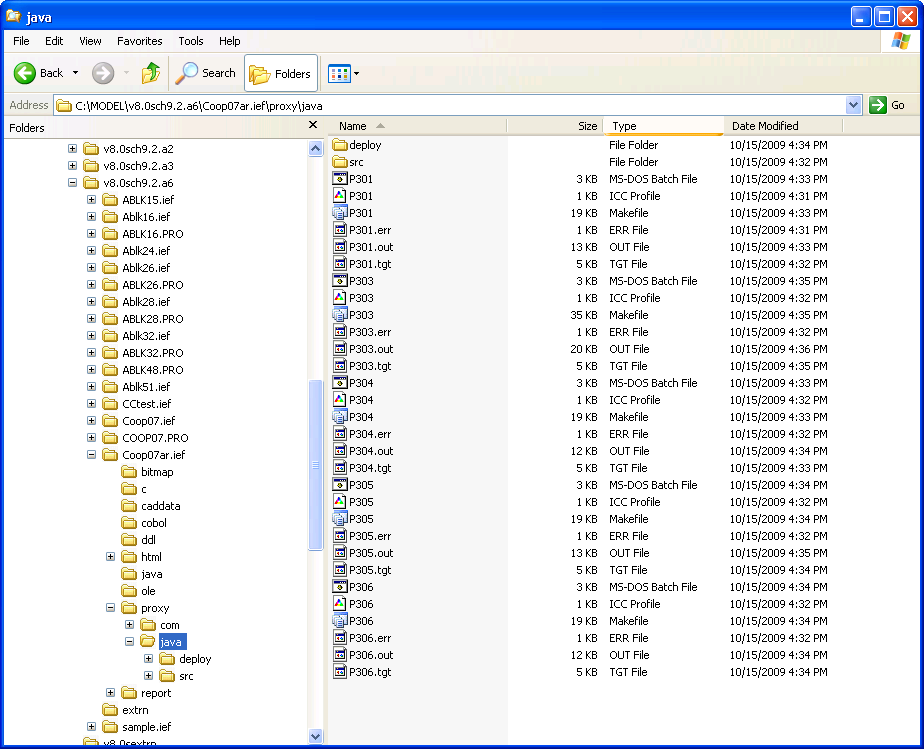
After the Build Tool has successfully built the proxy, the \proxy\java directory includes a \deploy directory. The \deploy directory includes \client, \clientUI, \Abean, \mainUI, \servlet, and \jsp directories, and optionally contains a \xml directory. The \clientUI and \mainUI directories contain generated HTML code, an applet with a test UI, and an application with a test UI. This code is not part of the proxy itself, but is provided as a sample for quick tests. The file <bean package name> in the \src\client directory contains a Javadoc of the API.
|
Copyright © 2015 CA Technologies.
All rights reserved.
|
|