

The Comm. Bridge application's Service Configuration dialog allows you to configure a Comm. Bridge as a Windows system service. This dialog can be displayed by selecting the File, Setup menu, then clicking Service Config in the displayed dialog. The following figure shows the Service Configuration - Details dialog.
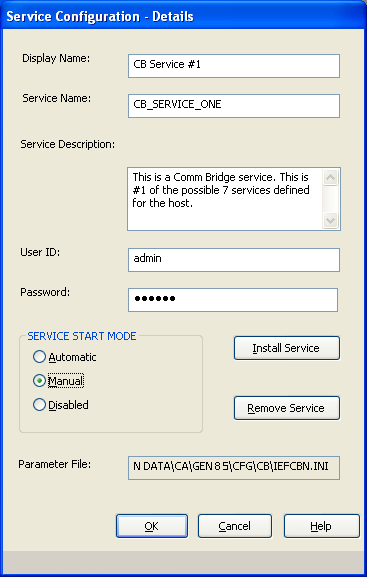
The Service Configuration – Details dialog contains the following fields and buttons:
|
Copyright © 2013 CA.
All rights reserved.
|
|