

External flows specify a flow in or a flow out of the current business system. Use the Edit action and either the Add External Flow In action or the Add External Flow Out action to create a flow between business systems.
You can add an external flow into a destination business system and an external flow out of a source business system. An external flow into a destination system, known as an external flow in, can be to the first procedure step only. An external flow out of a business system, known as an external flow out, can originate from any procedure step.
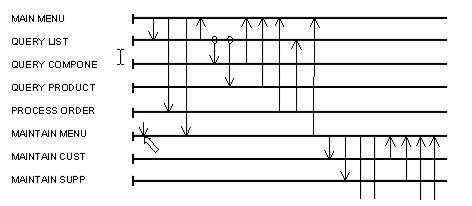
The following illustration shows an external flow in.
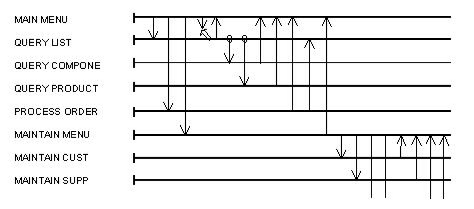
The following illustration shows an external flow out.
|
Copyright © 2013 CA.
All rights reserved.
|
|