

The Diagram Trace Utility is an interactive debugging tool for applications written in C, Java, or C# languages that are generated with the CA Gen code generator and run on Microsoft Windows, UNIX, or Linux operating systems. You cannot use the Diagram Trace Utility to debug handwritten CA Gen applications or applications that are generated with code generators other than the CA Gen Toolset and Encyclopedia code generators.
This scenario assumes that application developers understand how CA Gen works and how to perform the following tasks:
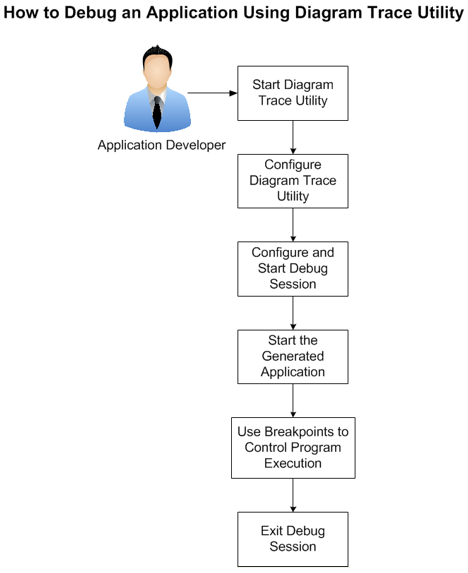
The following diagram illustrates how an application developer can debug a CA Gen application using Diagram Trace Utility:
|
Copyright © 2013 CA.
All rights reserved.
|
|