

Enter the coordination database name and other connection information the database type requires in the Coordination Database Connection dialog.
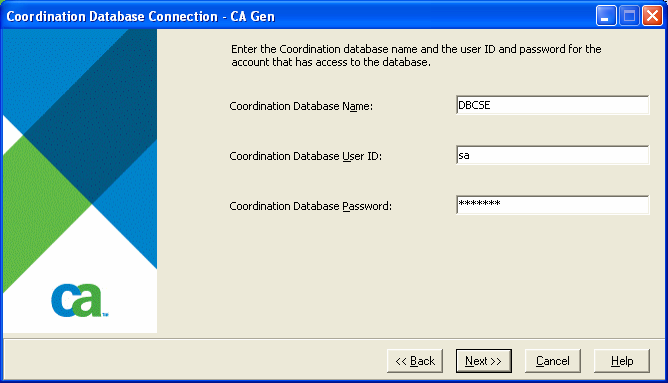
Oracle and Microsoft SQL Server require the database name, user ID, and password. Oracle databases require the password. The password is optional for SQL Server databases. The dialog box conceals the password.
The password is never a default value. Each time cse_config starts, you must enter the database password correctly. If you navigate past this dialog box and go back to it, it retains the previously entered password.
cse_config connects to the database using the vendor supplied database access tool to confirm the data. It validates the data even when you choose the Skip configuration option in the previous dialog box to ensure the data is recorded correctly when CSE Communications configuration is enabled.
|
Copyright © 2015 CA Technologies.
All rights reserved.
|
|