

Each flow is initiated by the source procedure setting an appropriate exit state.
Each transfer flow on a navigation diagram must be associated with one or more exit state definitions that will trigger the transfer. These are called Flows On Exit States.
Each link flow must have at least one Flows On Exit State.
Each link flow must also have at least one Returns On Exit State, with the exception of the client-to-server flows. There is an implied return from the server, and no exit state is necessary. The return flow will complete with the completion of the server procedure.
For a given procedure, only one flow can be associated with each exit state value.
After the destination procedure finishes executing, the Returns On Exit State causes control to be returned to the source procedure.
The use of exit states can be summarized as follows:
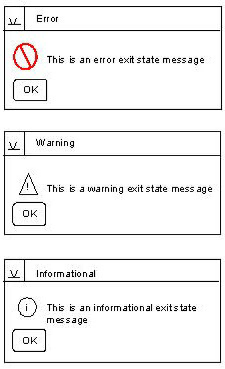
The CA Gen window manager controls this dialog box and icon according to the message type specified. The message dialog box is modal; that is, it requires an input before proceeding.
|
Copyright © 2013 CA.
All rights reserved.
|
|