

After generating your application, you have to build it on a Windows platform. The Build Tool can work with either ICM files that result from a Local generation, or RMT files that result from a Remote generation. You can set options that affect the build process of your application through the Build Tool Profile.
The deploy directory <model.ief>\C#\Deploy, contains files required to install the application under Internet Information Services (IIS):
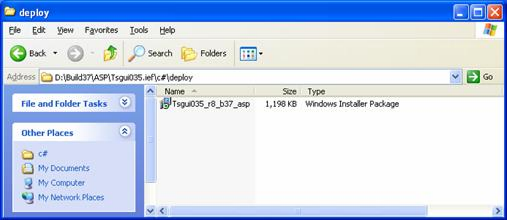
Executing the windows installer package installs your ASP.NET Web Client application under IIS.
During installation, MSI displays a warning message if a COM+ server with same name exists. You can ignore this message if the application targets Component Base Development (CBD).
Note: For more details about the Build Tool and Assemble utility, see the Build Tool User Guide.
|
Copyright © 2013 CA.
All rights reserved.
|
|