

This process describes how to use a cataloged filter to view specific data set members or records using the CA File Master Plus ISPF interface.
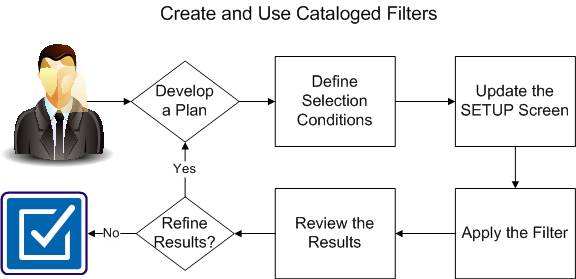
To use a cataloged filter to view specific records or members in a data set, complete the following procedures:
|
Copyright © 2015 CA Technologies.
All rights reserved.
|
|