

As a security administrator, you can configure your site's security software to support Web Services for CA Endevor SCM. Web Services is a prerequisite for the Eclipse-Based UI and user-written programs that connect to the CA Endevor SCM API.
The following graphic shows how to enable security access for Web Services:
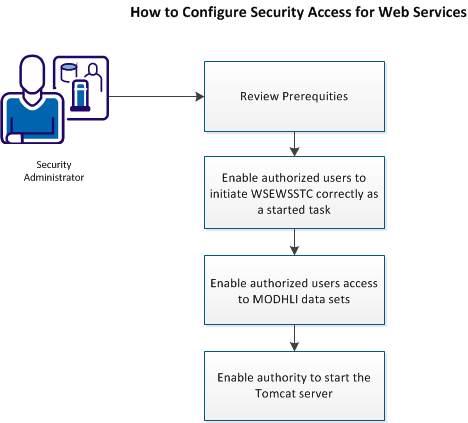
To enable security access for Web Services, do the following to configure your site's security software:
|
Copyright © 2014 CA.
All rights reserved.
|
|