

How to Enable Web Services › How to Configure CA Endevor SCM for Web Services
How to Configure CA Endevor SCM for Web Services
As a change manager (CA Endevor SCM administrator), you can configure CA Endevor SCM to support the Web Services component. This component is a prerequisite for the Eclipse-Based UI. In addition, you can use Web Services to connect your user-written program to the CA Endevor SCM API.
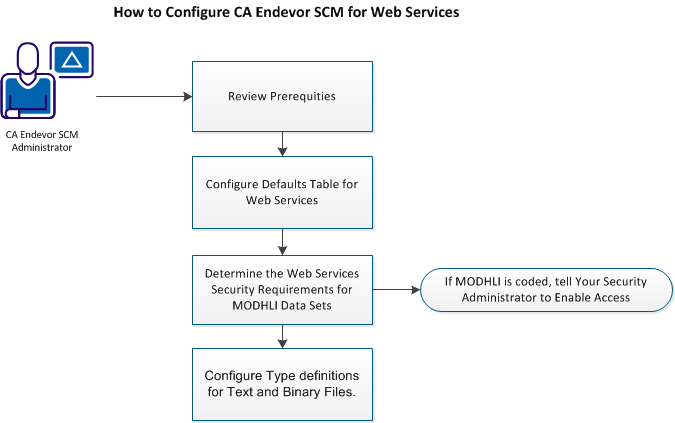
To configure CA Endevor SCM, do the following:
- Configure the Defaults table for Web Services.
- Determine the Web Services security requirements for MODHLI Data Sets.
- Configure Type definitions for Text and Binary Files. Review the information in Support for Element Types topics. Then define Type definitions as appropriate for your site as described in the following topics:
- (Optional) To optimize the use of your Master Control File (MCF) and Package data set, we strongly recommend that you implement IBM VSAM Record Level Sharing Support (RLS). For more information, see the appropriate documentation provided by IBM.
Copyright © 2013 CA.
All rights reserved.
|
|