

You can edit template files in any text editor that supports plain text format. However, the Template Editor in CA ERwin DM provides several features that make editing templates easier, such as auto-expansion and macro selection.
To open the editor, click Forward Engineer, Forward Engineering Templates on the Actions menu.
This menu item is available whenever a physical or logical/physical model is active. The physical side of a logical/physical model does not need to be displayed in the workspace to edit its templates.
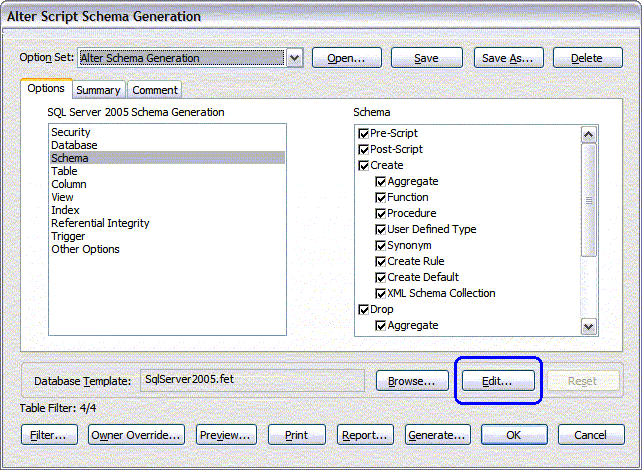
You can also open the editor when you click the Edit button in either the Forward Engineer Schema Generation or the Alter Script Schema Generation dialog, as shown in the following illustration:
|
Copyright © 2013 CA.
All rights reserved.
|
|