Analyze Your Database and Improve Data Quality › Understanding the Diagnostic Messages and Suggestions
Understanding the Diagnostic Messages and Suggestions
To help you understand the theory behind the messages, we’ll take a behind-the-scenes look at how these analytical decisions were reached.
To understand the diagnostic messages and suggestions
- Click the blue information icon
 that precedes a diagnostic message to display the Teach Me button.
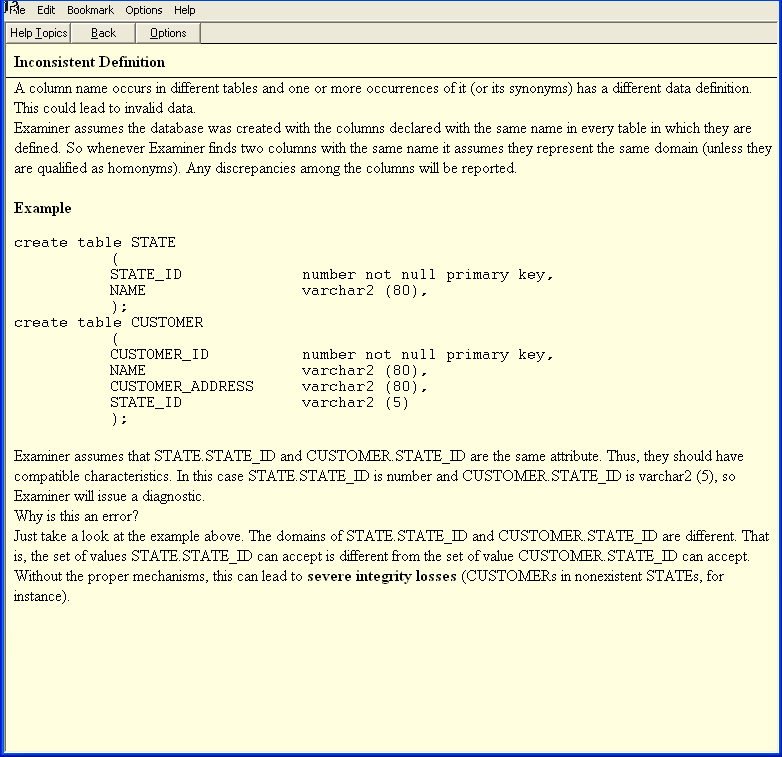
- In this example, we’re clicking on the Inconsistent Definition diagnostic that appeared in the Column Diagnostics:
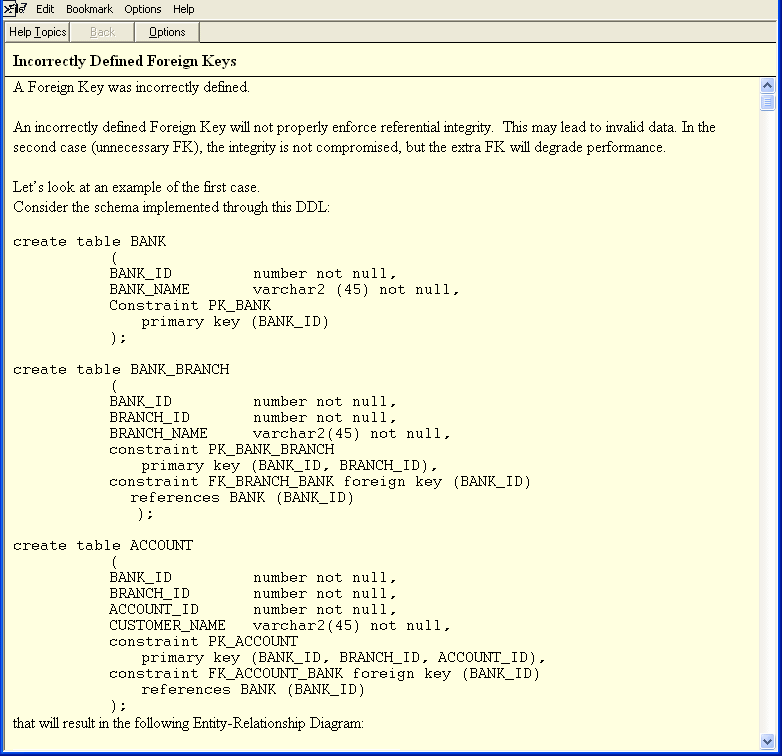
- Click Teach Me under the Indexes and Constraints diagnostic for Incorrectly Defined Foreign Keys.
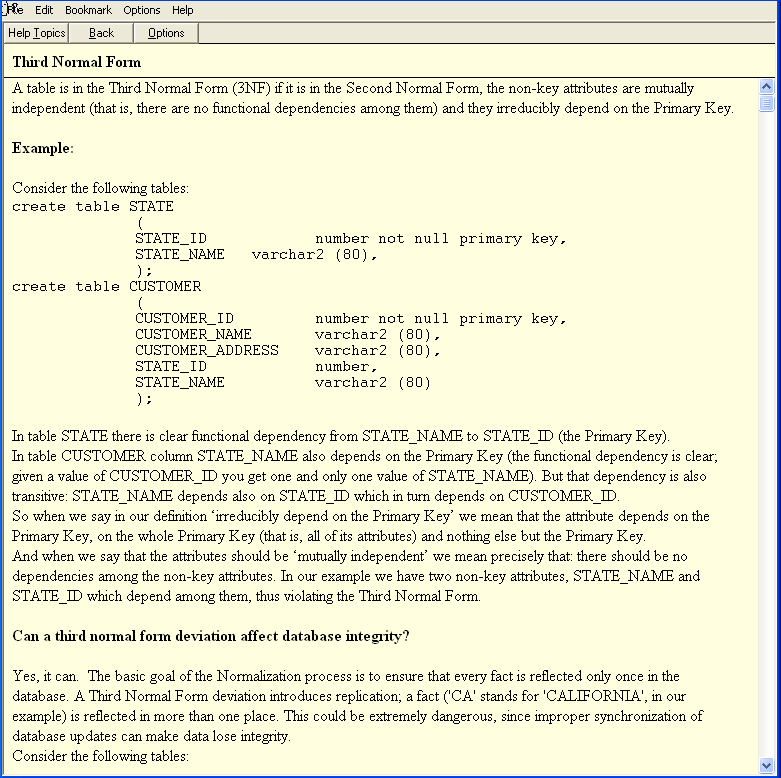
- Click Teach Me under the Normalization diagnostic for the Third Normal Form for the following information:
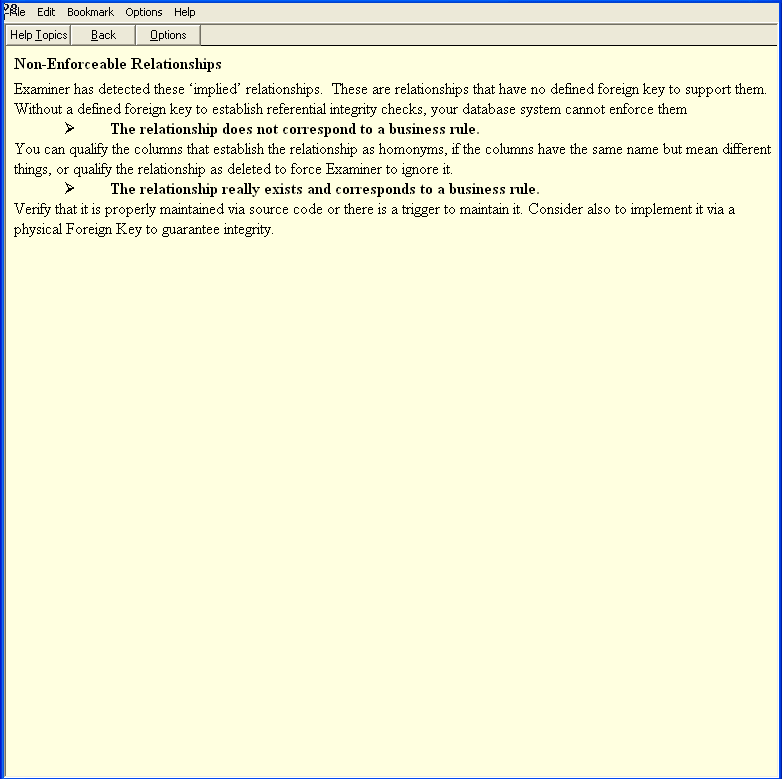
- Click Teach Me under the Relationships diagnostic for Nonenforceable Relationships, to learn the rules that govern “implied” relationships: