

By monitoring the messages in CA Vantage GMI, you can route all or selected CA Disk messages to CA Vantage GMI where they can be accumulated for easy viewing.
To display Accumulated Messages
CA Disk objects are displayed in the Object Tree.
The table view of the Accumulated Messages object appears, as shown in the following sample:
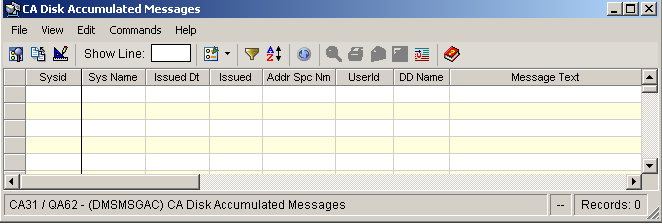
Note: Click the Help About Object tool bar icon ( ), to display a description of the field values displayed in the columns in the Accumulated Messages object.
|
Copyright © 2015 CA Technologies.
All rights reserved.
|
|