

Although CA provides code pages for many languages, there may be conversions you require that are not supported by these standard code pages. You can use the edit windows to customize the translation tables created from the PC and host code pages you have specified.
The two edit windows are as follows:
Follow these steps:
Each window displays an array of the 256 hexadecimal values. Each entry in the array represents the output character set code value indexed by the input character set code value.
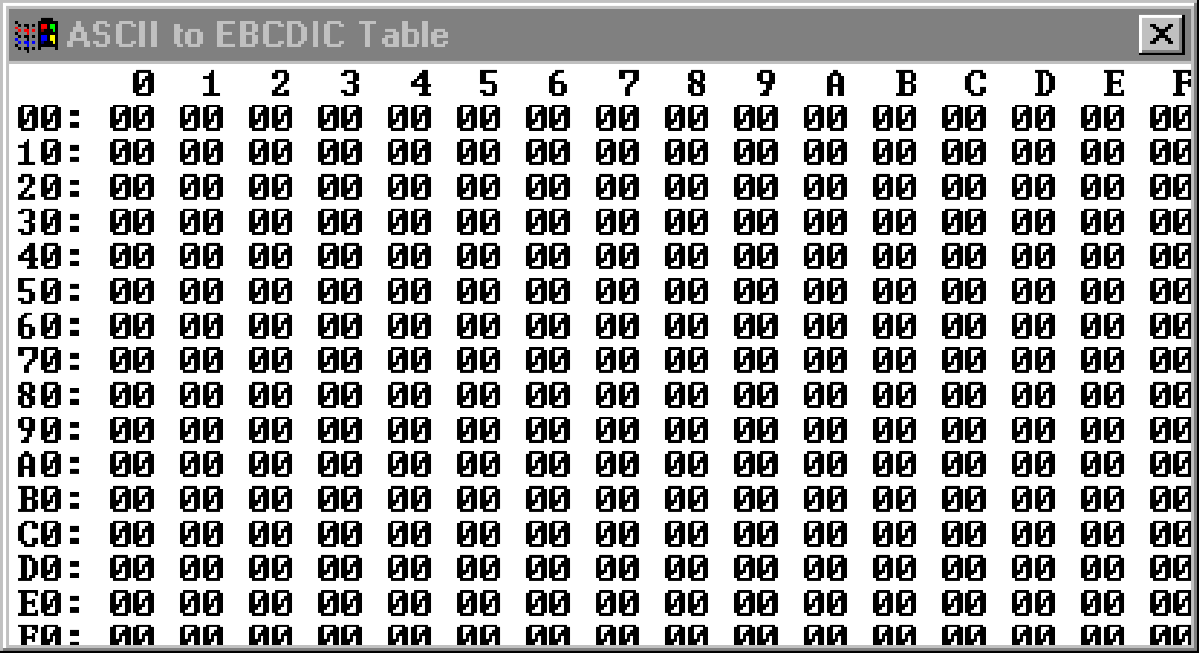
The editor ignores any characters entered other than 0-9, a-f, and A-F.
The following keys can be used to move the cursor around the translation table edit window:
|
Key |
Resulting Movement |
|---|---|
|
Cursor Left |
Left one digit |
|
Cursor Right |
Right one digit |
|
Cursor Up |
Up one row |
|
Cursor Down |
Down one row |
|
Home |
Beginning of row |
|
End |
End of row |
|
PageUp |
Top row |
|
PageDown |
Bottom row |
|
Enter |
Beginning of next row |
|
Ctrl+CursorLeft |
Left one entry |
|
Ctrl+CursorRight |
Right one entry |
|
Ctrl+Home |
Beginning of table |
|
Ctrl+End |
End of table |
|
Copyright © 2015 CA Technologies.
All rights reserved.
|
|