

|
|
|
The purpose of this scenario is to describe the steps that you follow to upgrade from CA Access Control r8.0SP1. The upgrade process in the chapter assumes that you installed CA Access Control r8.0SP1 components on separate computers.
The information in this section is intended for system or CA Access Control administrators that are tasked with managing CA Access Control.
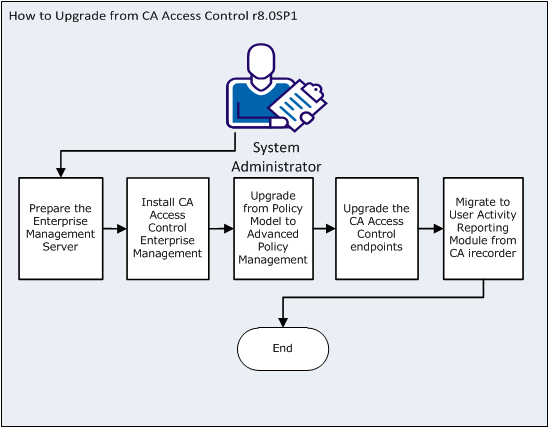
The following diagram illustrates the steps to complete to upgrade from CA Access Control r8.0SP1:
Important!
You upgrade your existing CA Access Control r8.0SP1 deployment by following these steps:
Before you install the Enterprise Management Server, prepare the computer by installing and configuring the prerequisites.
Note: The installation also upgrades the password PMD.
Note: You cannot upgrade the Policy Manager. Use CA Access Control Endpoint Management to manage policies on the endpoints.
| Copyright © 2012 CA. All rights reserved. |
|