

Managing Console Manager › Managing Console Manager from the C3 Interface › Finding the Status of Console Manager Components › Information Specific to a Particular Serviced System
Information Specific to a Particular Serviced System
To display the status of a specified serviced system
- Click the right mouse button on the icon representing the serviced system.
- Choose the Information... item from the pop-up menu.
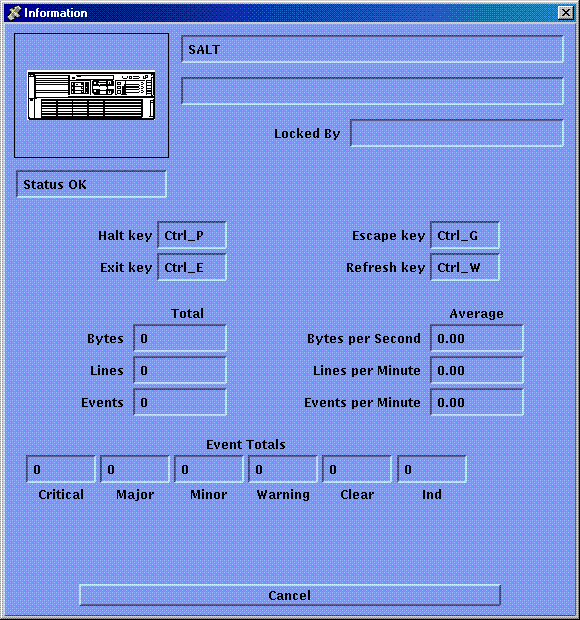
This displays information for that system, including details of the control keys and the person who is using the system (if applicable), as shown in the figure below.
Copyright © 2010 CA.
All rights reserved.
|
|