

To locate a particular system on your C3 display
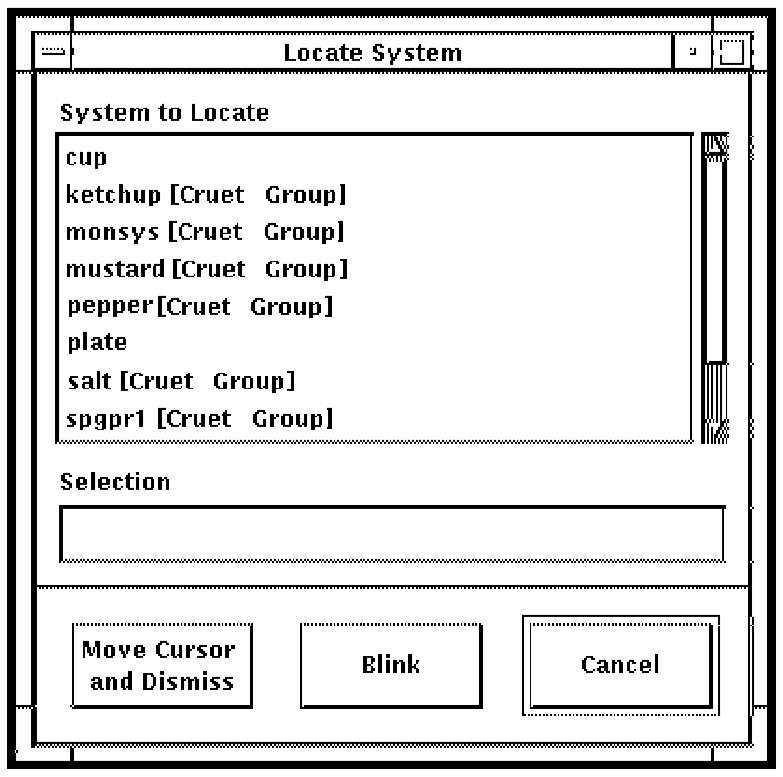
If you use the button on the main window, Console Manager displays a list of all serviced systems, followed by the group they are in, if any. For example, salt [Cruet Group].
If you use the button on the group window, Console Manager displays a list of the serviced systems in that group, without the group name. For example, pepper.
If you use the Find... button on the main window, and the group containing that system is not currently displayed, then Console Manager opens the group window before indicating the chosen system.
|
Copyright © 2010 CA.
All rights reserved.
|
|