Maintenance and Administration › Control File Maintenance › Rename a Data Set Association—VSAM Only
Rename a Data Set Association—VSAM Only
To rename a data set association in the Control File
- On the Maintenance menu, select Control File to display the data set name panel.
- Type the data set name for the search and press Enter to search the Control File and display a list of data set names.
- Type S in the Action field and press Enter to display a list of data sets and associations. While viewing the list of associations, you can add, rename, or delete associations for a cluster.
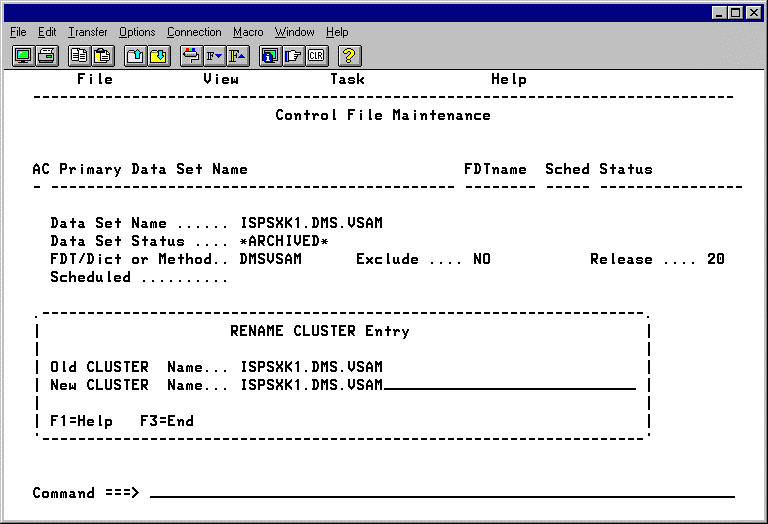
- Use one of the following methods to rename an association:
- Type R in the Action field next to the association and press Enter to
display the Rename Path panel. Type over the current name to rename the association and press Enter.
- Type R in the Action field next to the association, type over the current
name and press Enter.
|
Copyright © 2012 CA.
All rights reserved.
|
|

