Maintenance and Administration › File Maintenance Functions › Analysis File Maintenance › Change RDL Information
Change RDL Information
To change RDL information in the Analysis File
- On the Maintenance menu, select Analysis File.
- Select All Records or Limit Search.
- All Records displays a list of all the data set names that are in the Analysis File.
- Limit Search displays the Data set name selection box. Type the data set name for the search, and press Enter to display a list of the data set names you select.
- Move the cursor to the Action field next to the following data set.
- Type R, and press Enter to display the RDL User Parameter Maintenance panel.
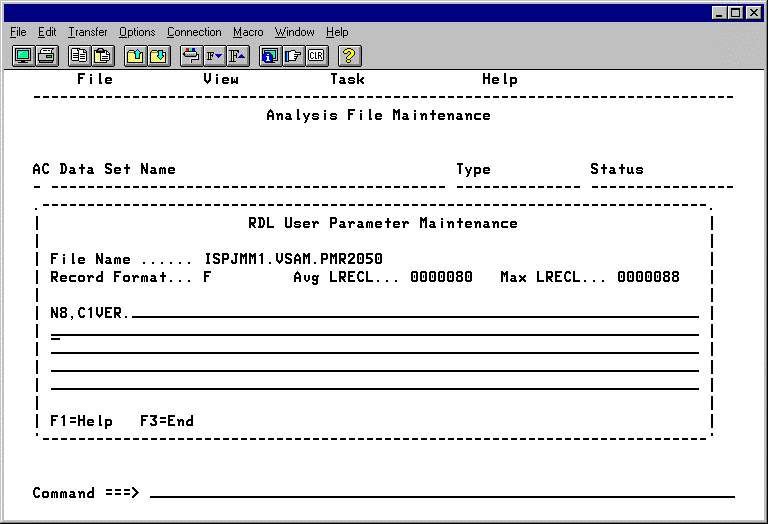
- Change the RDL.
- To save the changes, press Enter.
|
Copyright © 2012 CA.
All rights reserved.
|
|

