

|
|
|
Physical sequential patterns can also be added to the work list. Patterns are a shortcut for applying a single routine to many data sets. Be aware of the difference between adding data sets to the list using a data set name mask or filter pattern versus adding a pattern to the list. For more information about patterns, see Pattern Implementation in this chapter.
Adding a physical sequential pattern to the work list is done using the Identify PS Pattern function. The Identify PS Pattern panel is shown in the following figure:
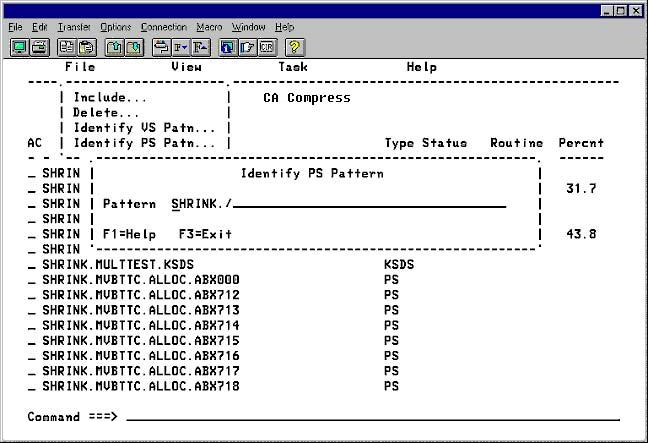
To add a physical sequential pattern to the work list
| Copyright © 2012 CA. All rights reserved. |
|