

You can optionally install the CA Mainframe Connector for Linux on System z (CA Mainframe Connector). This feature enables client products to manage the Linux resources on z/VM systems. The feature also provides the z/VM and Linux message, and command and response services that client products use to manage the Linux resources. This scenario shows how a system programmer installs this feature.
Before you begin this installation, we recommend that you review the installation and configuration best practices.
The following illustration shows the tasks that are required to install CA Mainframe Connector:
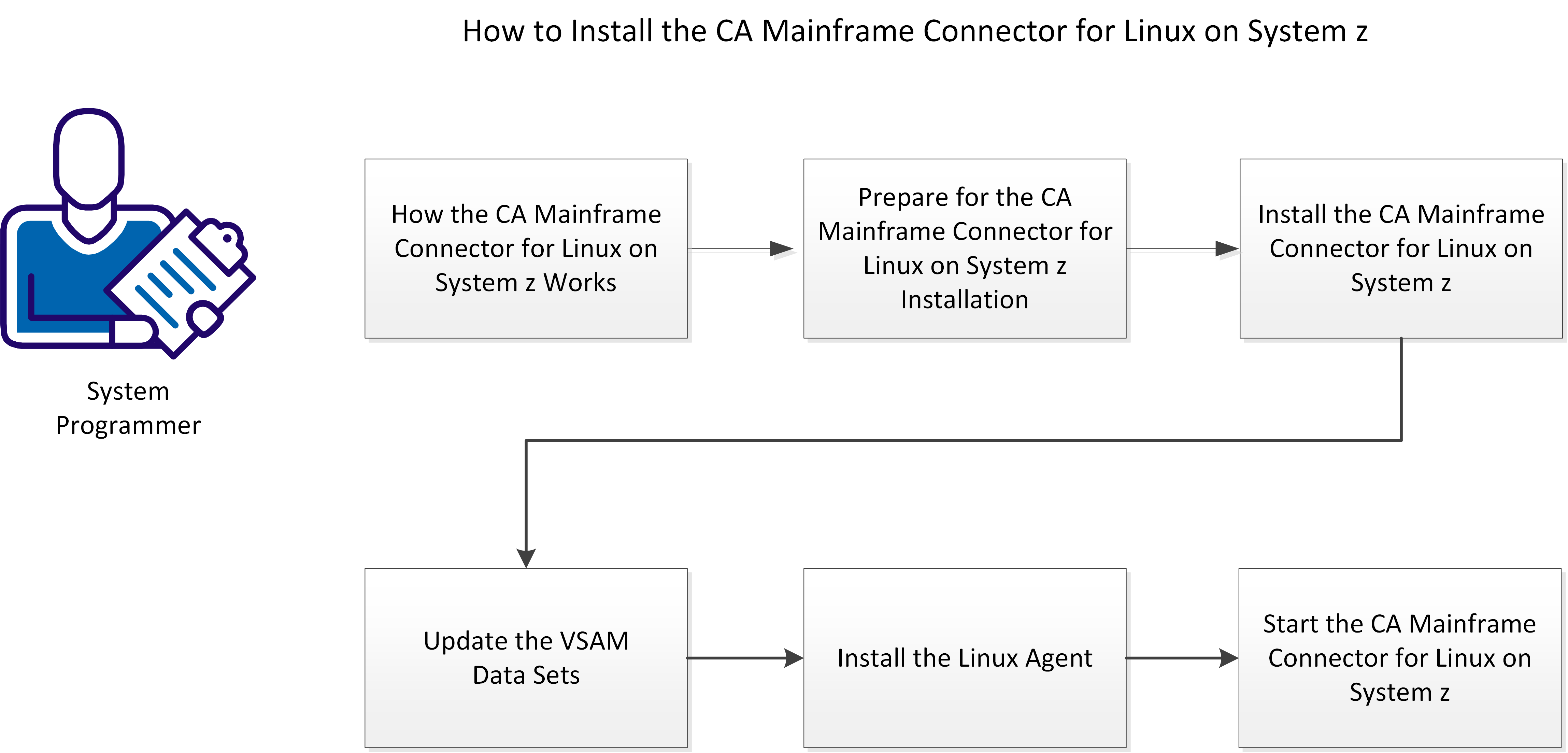
Perform the following tasks to install CA Mainframe Connector:
|
Copyright © 2015 CA Technologies.
All rights reserved.
|
|