

After installing and performing the configuration tasks for the CA Common Services for z/OS components, you can optionally install the CA Hardware Interface Service for z/OS. The CA Hardware Interface Service for z/OS enables a product to retrieve information from the Hardware Management Console (HMC). A product can send a query to the service, which in turn interrogates the HMC through the Base Control Program internal interface (BCPii). This scenario shows how a system programmer installs and configures this service.
The following illustration shows the tasks that are required to install the Hardware Interface Service (HIS):
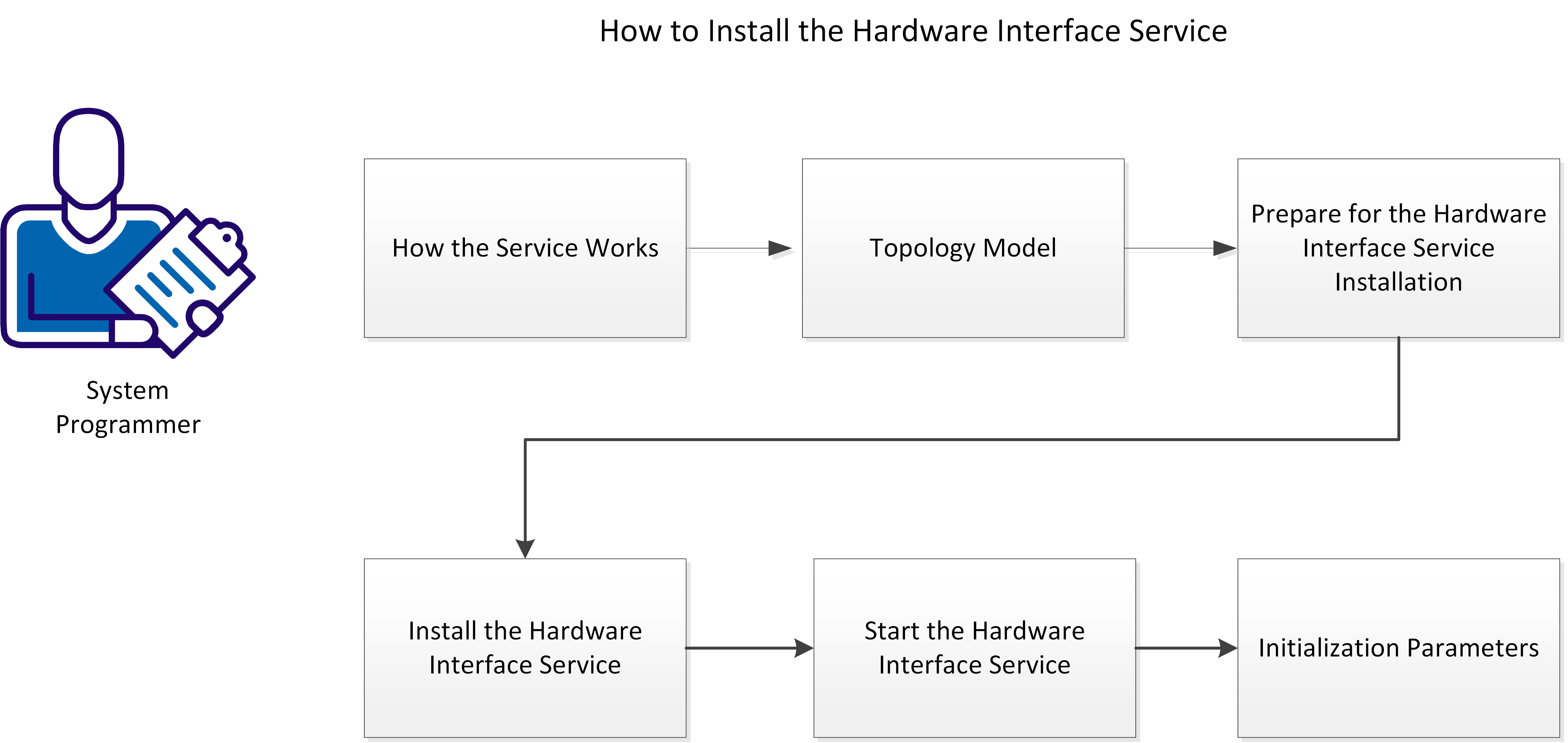
Perform the following tasks to install the Hardware Interface Service:
|
Copyright © 2015 CA Technologies.
All rights reserved.
|
|