

As a Hosting administrator, you can create an environment for each of your customers named tenants. Each tenant environment contains a complete instance of CA CloudMinder. An instance includes the entire suite of system components, servers, user stores, and databases, all specific to that tenant. After you deploy a tenant environment, you or a tenant administrator can alter the environment to meet custom specifications.
Conceptually, tenant environments are part of a three-tier architecture. The first tier is the hosting environment. A hosting environment is the virtual environment in which you are running CA CloudMinder.The second tier is the hosting container. A hosting container is an object in the hosting environment defined to include everything necessary to run a specific application. The third tier is the tenant environment.
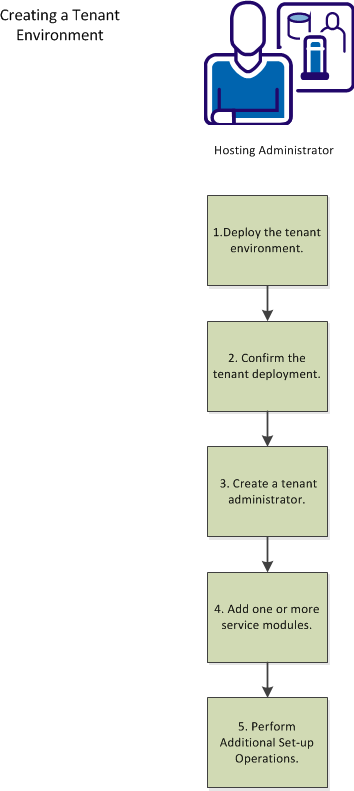
The following diagram shows the steps that you perform to create a tenant environment:
|
Copyright © 2013 CA.
All rights reserved.
|
|