

Installation dialogs allow user-friendly and enhanced setups on the target computers. Installation dialogs serve to retrieve parameters and configure the installation of the PIF product on the target computer. The Installer supports installation dialogs for all types of target computers.
When the target computer has the Java Runtime Environment (JRE) 1.5 or 1.6 installed, and the monitor is graphics-enabled, the installation dialogs appear in the graphical mode (Java GUI). If these prerequisites are not met on the target computer, the installation dialogs appear in a VT100 compatible mode.
You can include a JRE in a self-installing PIF product, that will then install and use the included JRE to run the Java wizard of the Installer on the target computer.
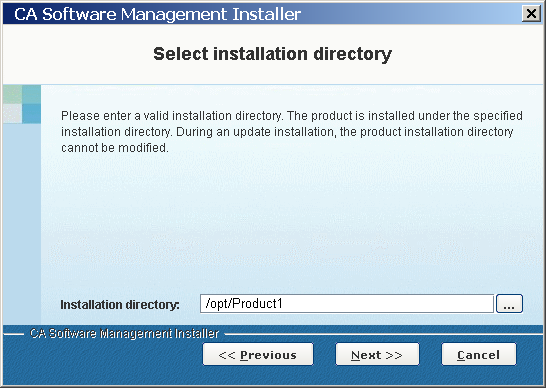
The following graphic shows a sample installation dialog in graphical mode.
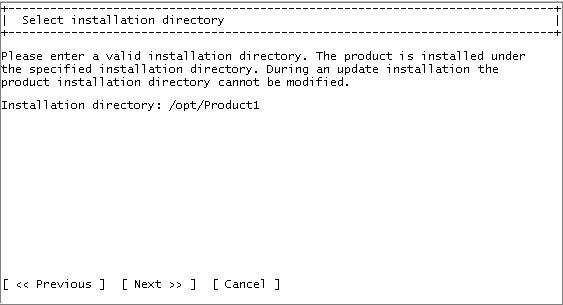
In the VT100 compatible mode the same dialog displays as follows:
|
Copyright © 2014 CA Technologies.
All rights reserved.
|
|