

To configure the CA Asset Converter for Microsoft SCCM, you need to first create an engine task.
Note: A CA Asset Converter for Microsoft SCCM engine task cannot be assigned to an engine that is running on the same computer as the Microsoft SCCM site server from which it is meant to extract data.
To create a CA Asset Converter for Microsoft SCCM engine task
The New Task Wizard for engine tasks appears.
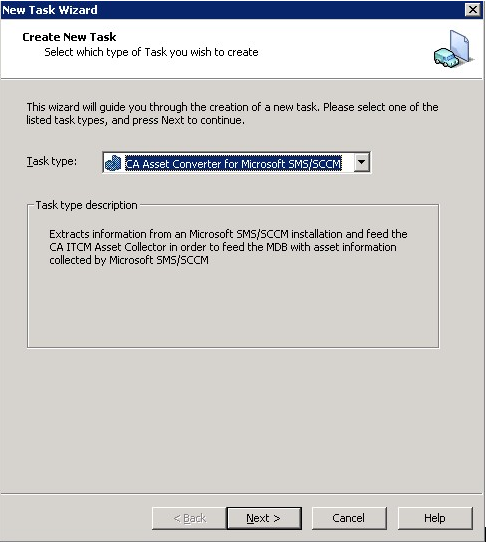
The remaining screens are identical to the Properties dialog of an existing CA Asset Converter for Microsoft SCCM task and are described in the next section.
|
Copyright © 2014 CA Technologies.
All rights reserved.
|
|