

View the status of an Intel AMT asset in the Agent Status section under the Status portlet. You can take appropriate actions after analyzing the status of the asset.
To view the status of an Intel AMT asset
The Homepage tab appears.
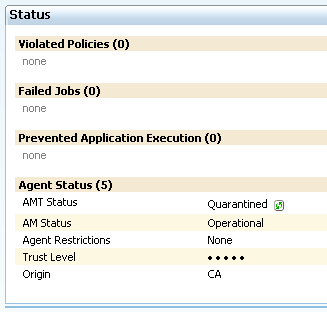
Note: By default, the status is Unknown. You must click the refresh icon displayed next to the AMT Status value to display the current status of the Intel AMT asset.
|
Copyright © 2014 CA Technologies.
All rights reserved.
|
|