

The engine or engine instance logs all its actions in a log file. You can view this log file to learn when the engine collected data from the scalability server or to troubleshoot any engine-related problems. A brief overview of this log is available in the SystemEngine pane:
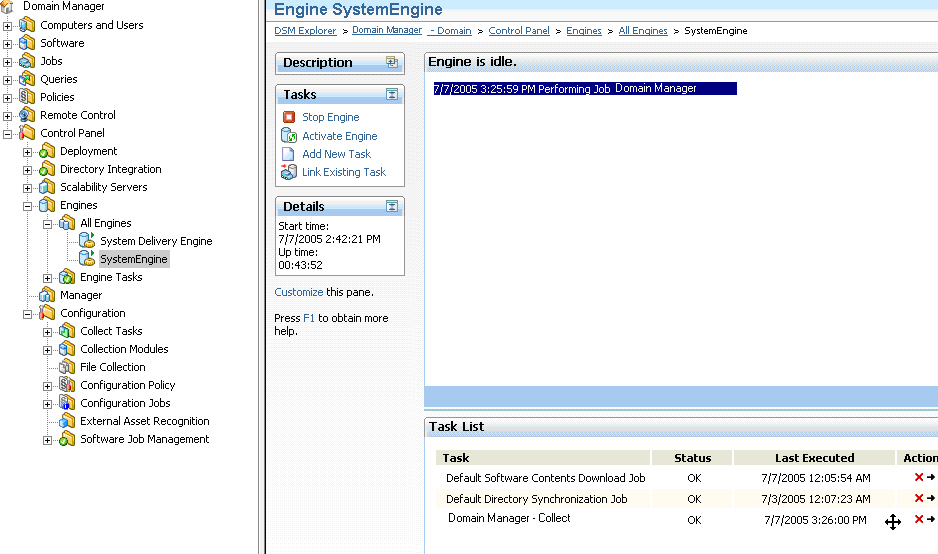
The complete engine log is available in C:\Program Files\CA\DSM\Logs\SystemEngine.log for the system engine and <engine name>.log, respectively, for other engines.
By default, the auto refresh is disabled. When you enable auto refresh, set appropriate value (in seconds) to refresh UI.
[HKEY_CURRENT_USER\Software\ComputerAssociates\EGC3.0N\RefreshRates\cDispEngine]
|
Copyright © 2014 CA Technologies.
All rights reserved.
|
|