

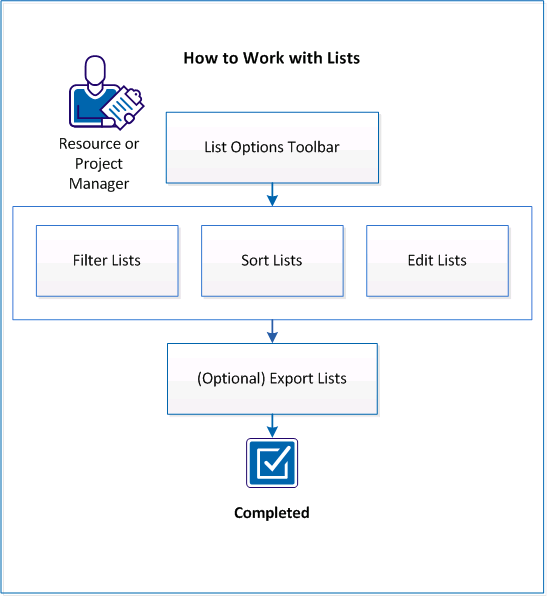
You can use CA Clarity PPM to work with lists that relate to your projects. Lists can be very long, so you can filter the list to view only what you want, sort the list to see the items in the order you want, edit the lists to update and correct information, and export lists to view and work with them in Excel.
The following diagram describes how a user can work with lists and filters:
Follow these steps:
|
Copyright © 2013 CA.
All rights reserved.
|
|