

How to Personalize CA Clarity PPM › Work with Lists
Work with Lists
You can use CA Clarity PPM to work with lists of your project data. You can perform the following actions with lists:
- Filter the list to view only the information that you want
- Sort the list to see the items in a specific order
- Edit the lists to update and correct information
- Export lists to view and work with them in Excel.
The following diagram describes how a user can work with lists and filters:
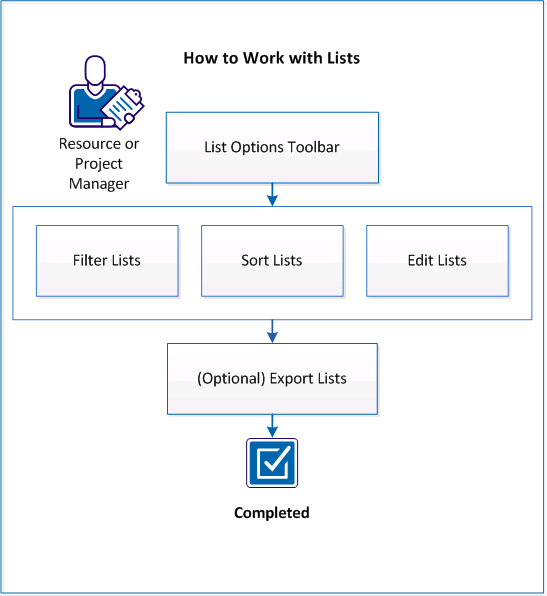
Follow these steps:
- List Options Toolbar.
- Filter Lists.
- Sort Lists.
- Edit Lists.
- Export Lists.
Copyright © 2015 CA Technologies.
All rights reserved.
|
|