

|
|
|
The sprint backlog includes the backlog items that the scrum team plan to work on during the sprint. During the sprint plans, you move the user stories and issues from the release backlog to the sprint backlog. For example, in the Parking Pass Management System product, the following user stories have been identified for the release:
You can select the user stories that you want to complete in the current sprint, and move them to the sprint backlog.
Follow these steps:
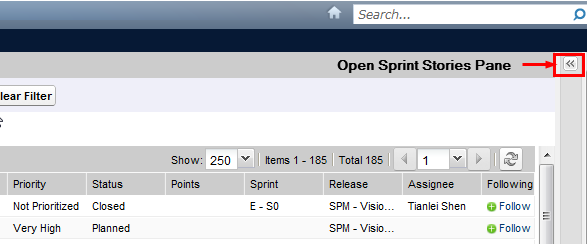
The pane displays the backlog items for the current sprint.
Note: Filter the sprint backlog by team to display the velocity chart. The velocity chart shows the planned capacity against actual capacity. The chart helps the scrum team plan the number of user stories that they commit to during the sprint.
| Copyright © 2012 CA. All rights reserved. |
|