

Version control provides you the ability to create drafts and current versions of requirements. When a user creates and saves a requirement, a draft of the requirement is added to the list of requirements. The user that creates the requirement becomes the requirement owner.
When the requirement owner becomes satisfied with the content of the requirement, they can create an approved version of the requirement. If Requirement Change Management is enabled, the requirement owner must submit the draft for approval to create an approved version.
When you have multiple versions of a requirement, you can compare differences between versions.
The following diagram shows how the requirement owner manages requirement versions.
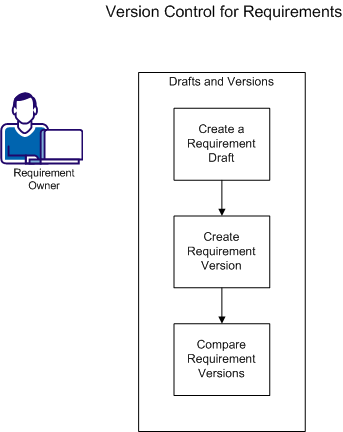
To work with versions of requirements, complete the following tasks.
|
Copyright © 2013 CA.
All rights reserved.
|
|