

The security administrator authorizes users to work in CA Chorus (platform and disciplines). For CA Chorus, the security administrator must perform the following tasks:
Note: CA Chorus defines security resources in class CAMFC. You can remove the CAMFC resource class and user access permissions to restrict access and prevent specific users from logging in to the product.
To perform these authorizations, the security administrator uses CA ACF2, CA Top Secret, or IBM RACF.
Note: For more information, see the scenario "How to Authorize users to Work in CA Chorus" on the CA Chorus bookshelf.
As a security administrator, modifying access rights for resources within your scope is a task that you regularly perform. This task is important because it:
This example describes how you can use CA Chorus and CA Top Secret to identify and correct an access rights problem, and then verify that you have corrected the problem.
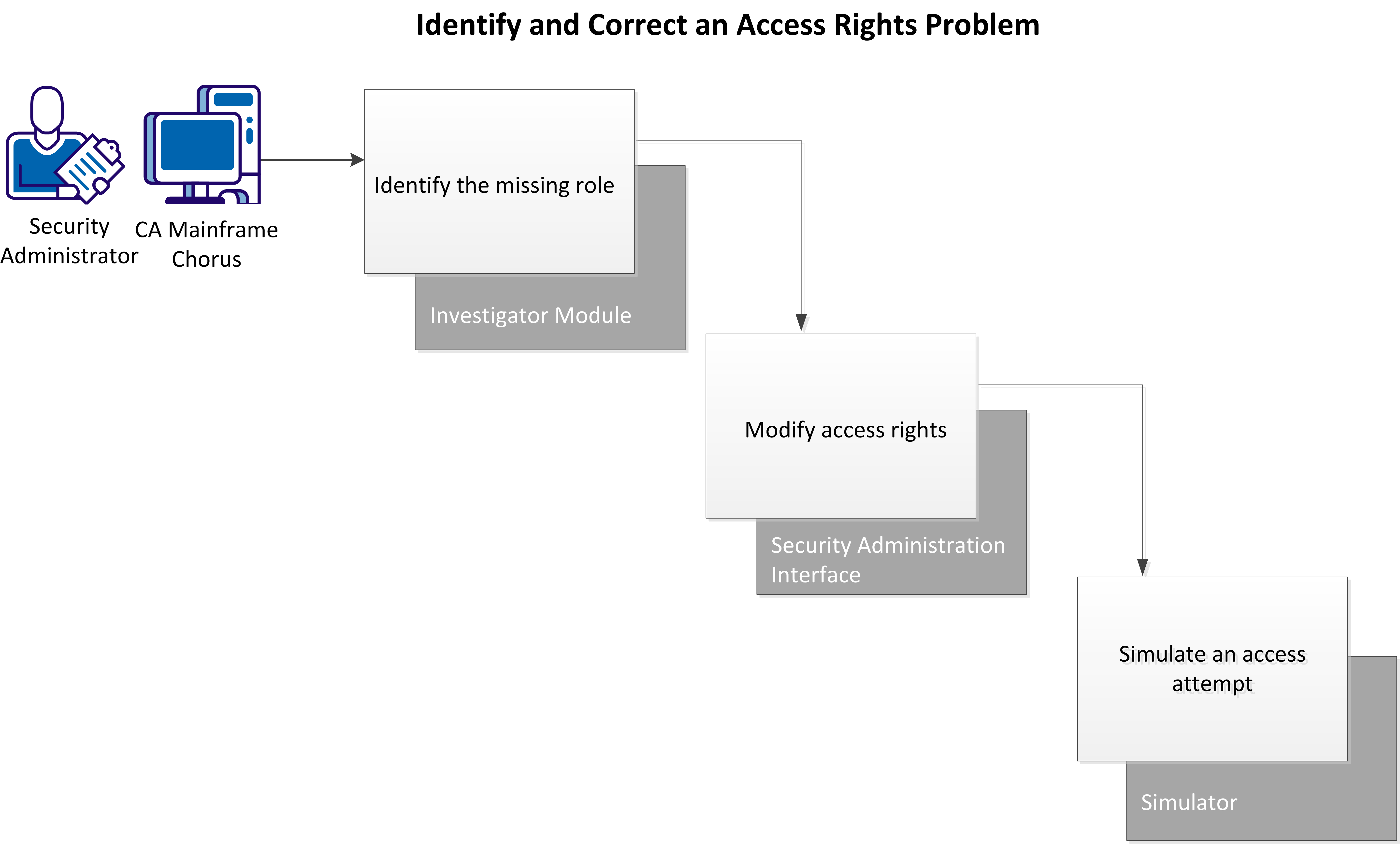
In this example, you have just received a service desk ticket with the following information:
Your research indicates that the employee needs read access to a particular data set.
Perform these tasks to identify and correct the access problem:
|
Copyright © 2015 CA Technologies.
All rights reserved.
|
|