

High Availability (HA) is a system design approach such that when a system fails, users can continue working on another system. For example, if the LPAR fails where CA Chorus is running, users need instant access to a secondary LPAR running the product.
This scenario explains how a system administrator and security administrator implement HA. Doing so can save time and money because users do not lose access in a single-fault scenario.
For CA Chorus HA, you configure the product to integrate with the z/OS Automatic Restart Management (ARM) facility. If a failure occurs, this facility provides the following HA options:
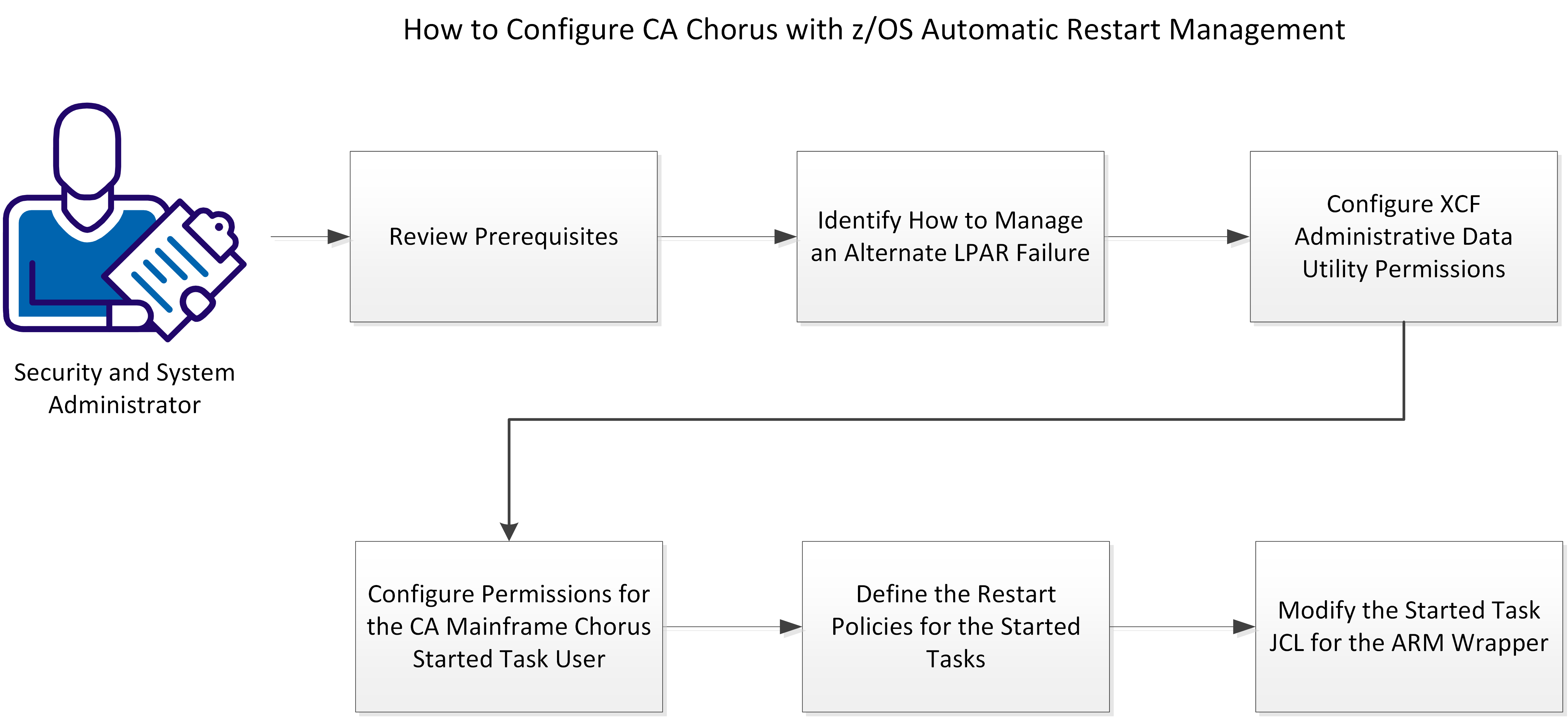
To implement the ARM facility, complete the followings steps:
|
Copyright © 2015 CA Technologies.
All rights reserved.
|
|