

As a storage administrator, you want to be alerted when a critical Storage Group space usage is reaching the maximum capacity level. This indication is important because when the usage level reaches the maximum, you can allocate more space to avoid space abends.
This scenario shows how a storage administrator sets up an alert to advise when critical Storage Group space usage reaches the maximum capacity level. You can set the maximum capacity level according to your policy.
The following illustration shows how a storage administrator creates an alert to monitor Storage Group space usage using the storage engine windows client and then view and manage it in the Alerts module.
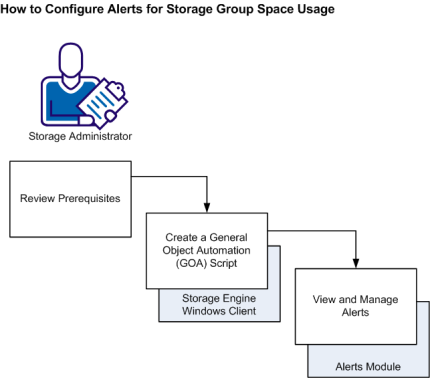
To create an alert to monitor storage group space usage using the storage engine windows client and view it in the Alerts module, do the following:
|
Copyright © 2013 CA Technologies.
All rights reserved.
|
|