

The Users category lets security administrators and auditors view user information across one or more systems. CA ACF2 uses logon IDs and CA Top Secret uses accessor IDs (ACID) to identify users. After you select a row of data, more granular information appears in the Details pane at the bottom of the Investigator.
The following are examples of information that CA Chorus for Security and Compliance Management lets you query at your enterprise:
Example: Identify and Delete Suspended Users Who Have Left the Company
Your manager has asked you to search for suspended users to identify ones that were suspended instead of permanently removed from the system. In the future, you will perform this internal audit periodically to make certain that your offboarding process is effective. Your manager has given you a list of the users who have left the company in the last year.
A pie chart appears that shows you have one suspended user.
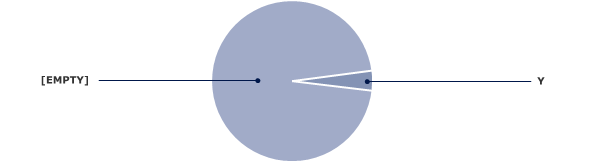
The suspended user is identified.
The selected user is deleted.
|
Copyright © 2013 CA Technologies.
All rights reserved.
|
|